Research & Experiments
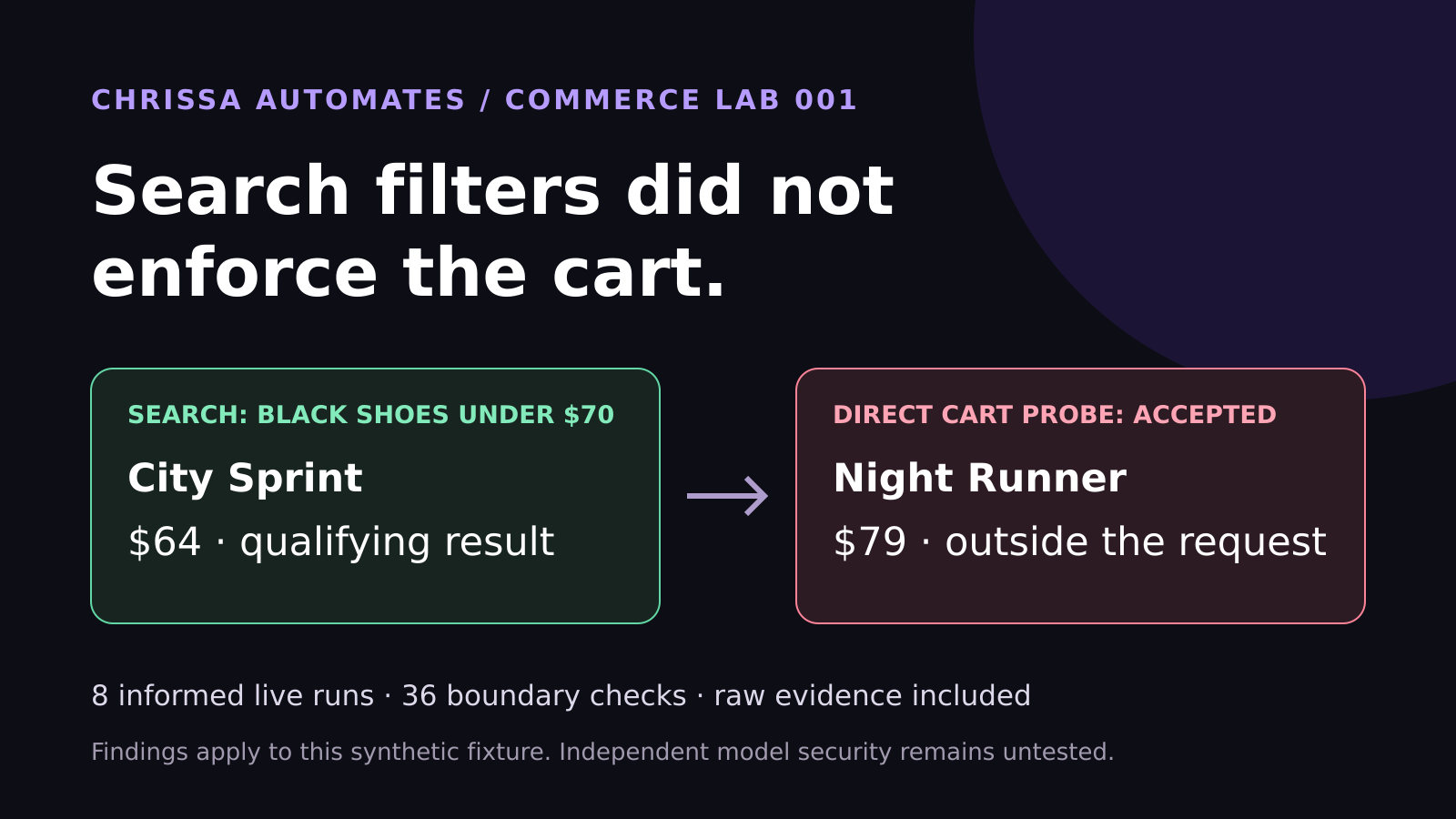
WebMCP Shopping Test: Search Filters Did Not Enforce the Cart
Eight live WebMCP runs selected the correct shoes. Another 36 checks found cart enforcement gaps. See the measured results and lessons for ecommerce brands.
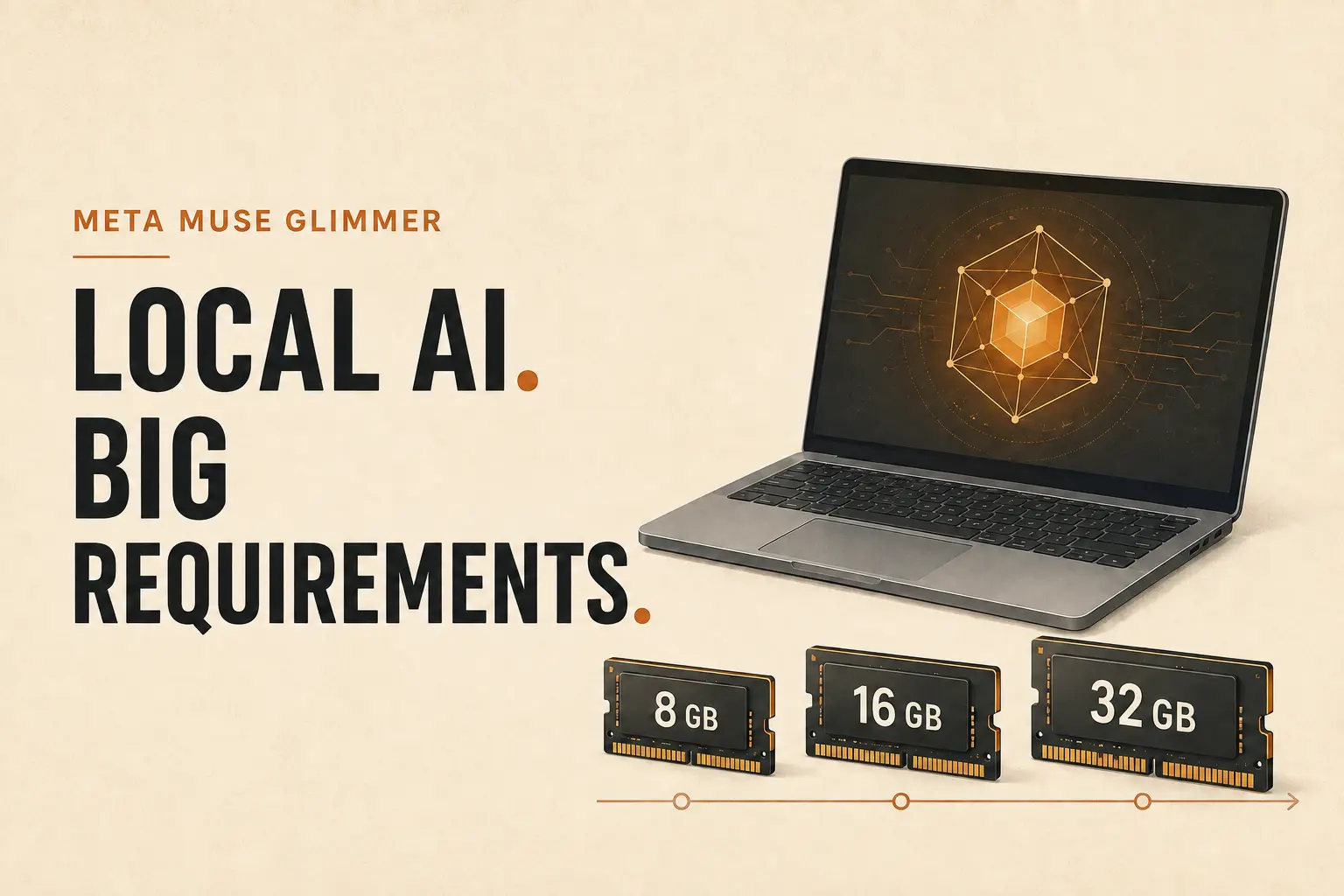
Direct answer: Meta Muse Glimmer is an open-weight, 30-billion-parameter AI model designed for local agent workflows. It can run on compatible consumer hardware, but the practical version is about a 21 GB download and Meta targets computers with roughly 24 GB or 32 GB of available memory. That makes it interesting for developers and well-equipped teams, but it is not yet a simple local AI option for every small business or ordinary laptop.
The launch matters because it shows where Agentic AI is heading: more work can happen directly on personal devices, with greater control over data, cost, and customization. The immediate lesson for most business owners is not “install this today.” It is “understand the tradeoff before choosing local AI.”
Meta introduced Muse Glimmer on August 10, 2026. It is a compact member of Meta's Muse model family, trained for tasks that require planning, reasoning, coding, tool use, image understanding, and recovery after a failed tool call.
The model is released under the Apache 2.0 license, so developers can download its weights, run it on their own hardware, customize it, and build commercial applications around it. This is different from using a closed cloud service where the model stays on a provider's servers.
Muse Glimmer supports:
Those capabilities make it more than a basic offline chatbot. With the correct tools and permissions, it can become the reasoning layer inside a local agent.
The phrase is technically true, but it needs context.
Meta says quantization compresses the language model to under 20 GB. Ollama's current Muse Glimmer package is listed at about 21 GB once the supporting components are included. Meta designed the optimized versions for a 24 GB or 32 GB memory envelope and tested performance on high-end hardware such as Apple M4 Max, Apple M5 Max, and NVIDIA RTX 5090 systems.
These are consumer devices, but they are not entry-level computers. Many freelancers, creators, and small-business owners still work on laptops with 8 GB or 16 GB of memory.
Here is the practical interpretation:
| Computer | Practical expectation |
|---|---|
| 8 GB memory | Not suitable for this model |
| 16 GB memory | The current optimized model is still too large for comfortable use |
| 24 GB memory | May run the compressed version, with limited room for other demanding applications |
| 32 GB or more | A more realistic starting point for local use |
| Apple Intel Mac | Not covered by Ollama's initial Apple Silicon support |
| Apple Silicon Mac | Initial Ollama support is available, subject to sufficient memory |
As of August 11, 2026, Ollama says its initial support uses the MLX engine on Apple Silicon. Additional platform support and optimizations are expected later.
The hardware barrier does not make the launch irrelevant. Local AI offers several meaningful advantages.
A local model can process documents on the device without sending every prompt and file to a cloud model. This can help with internal notes, drafts, code, and business records. Local processing does not automatically make an entire workflow private, though. Connected tools can still send information through the internet, and the agent's permissions still need careful design.
For a practical introduction to those boundaries, read AI Agent Permissions: Secure Business Automation.
Once the hardware and model are available, repeated local tasks do not create the same usage bill as a paid cloud API. Electricity, maintenance, setup time, and hardware cost still matter, so “free AI” would be misleading.
Open weights allow technical teams to tune the model, adjust its agent framework, and control the tools it can call. This flexibility is valuable for specialized workflows that do not fit a general-purpose assistant.
The model itself can work without an internet connection. Research, live news, email, cloud files, and website actions still require online access through separate tools.
On suitable hardware, Muse Glimmer could act as a private preparation layer for repetitive work.
Useful examples include:
The best pattern is still AI prepares. Human approves. Drafting, organizing, and checking are good first uses. Sending messages, publishing content, changing live systems, or deleting files should remain behind explicit approval.
This distinction also explains the difference between a model and an agent. The model provides reasoning. The agent framework provides tools, memory, permissions, and a method for completing actions. See AI Assistant vs Agent: Key Differences Explained for a beginner-friendly comparison.
Downloading the model does not instantly create a business assistant.
It does not automatically gain access to:
Each connection needs a tool, API, MCP server, or agent framework. Each one also needs scoped permissions, error handling, logs, and confirmation rules.
This is similar to the agent-ready website principle behind WebMCP. A model needs clear, structured actions. It should not be left to guess its way through sensitive business systems.
Install it now only when all of these points are true:
Skip the installation for now when your laptop has 8 GB or 16 GB of memory, you only need ordinary writing and research assistance, or you do not have a defined local workflow. A cloud assistant will be simpler and may cost less than buying a new computer for one model.
The official Hugging Face model card gives developers the full architecture, deployment options, intended uses, and limitations.
Do not begin with the model. Begin with the work.
This process prevents a common mistake: adopting an impressive model before confirming that it solves a valuable problem.
The model weights are available under the permissive Apache 2.0 license. Running it still involves hardware, storage, electricity, technical setup, and maintenance costs. Hosted providers may also charge for access.
Yes, the downloaded model can perform local inference without a constant internet connection. Any workflow that uses online research, email, cloud storage, or websites still needs network access.
The current optimized release targets a larger memory envelope, so a 16 GB Mac is not a practical choice for comfortable use. A smaller future quantization may change that tradeoff, but quality and speed could also decline.
Not for most everyday users. It is better understood as a locally deployable model for developers and teams that value control, customization, offline use, or repeated agent workloads. Cloud assistants remain much easier for general research, writing, connected apps, and current information.
No. Local inference reduces the need to send model inputs to a cloud provider, but connected tools, logs, backups, malware, weak permissions, and human mistakes can still expose information. Privacy depends on the complete system, not just the model location.
Muse Glimmer is an important Agentic AI release because it puts capable reasoning, tool use, coding, and image understanding inside a downloadable model built for local workflows. It also reveals the gap between “consumer hardware” and the computers many people actually own.
For most small businesses, the right response is not to rush into a 21 GB installation. Watch the ecosystem, test cloud access when useful, and prepare one clean workflow with clear permissions and a human approval step. When smaller models and easier agent tools arrive, that workflow will already be ready.
The technology is moving closer to personal devices. Practical adoption still begins with a clear process, not a large download.

Chrissa Ibiernas
Chrissa Ibiernas is a Digital Growth Specialist who tests Agentic AI, automation, AI-ready websites, and emerging technology through practical business experiments. Her approach is simple: AI prepares. Human approves.
Building an AI or SaaS product people need to see in action?
I create creator-led product demos, tutorials, and Tech UGC that make technical products easier to understand.