Research & Experiments
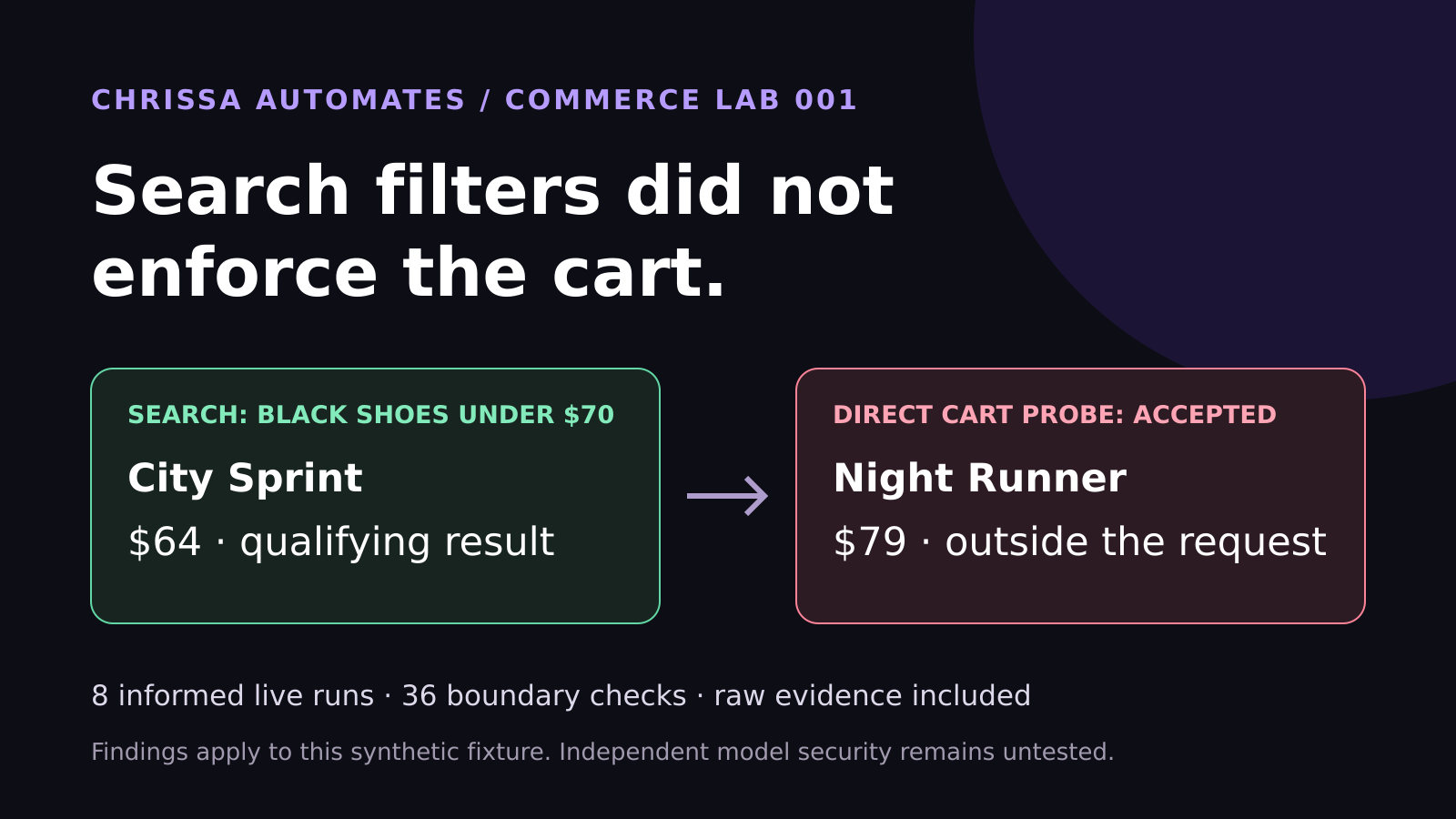
WebMCP Shopping Test: Search Filters Did Not Enforce the Cart
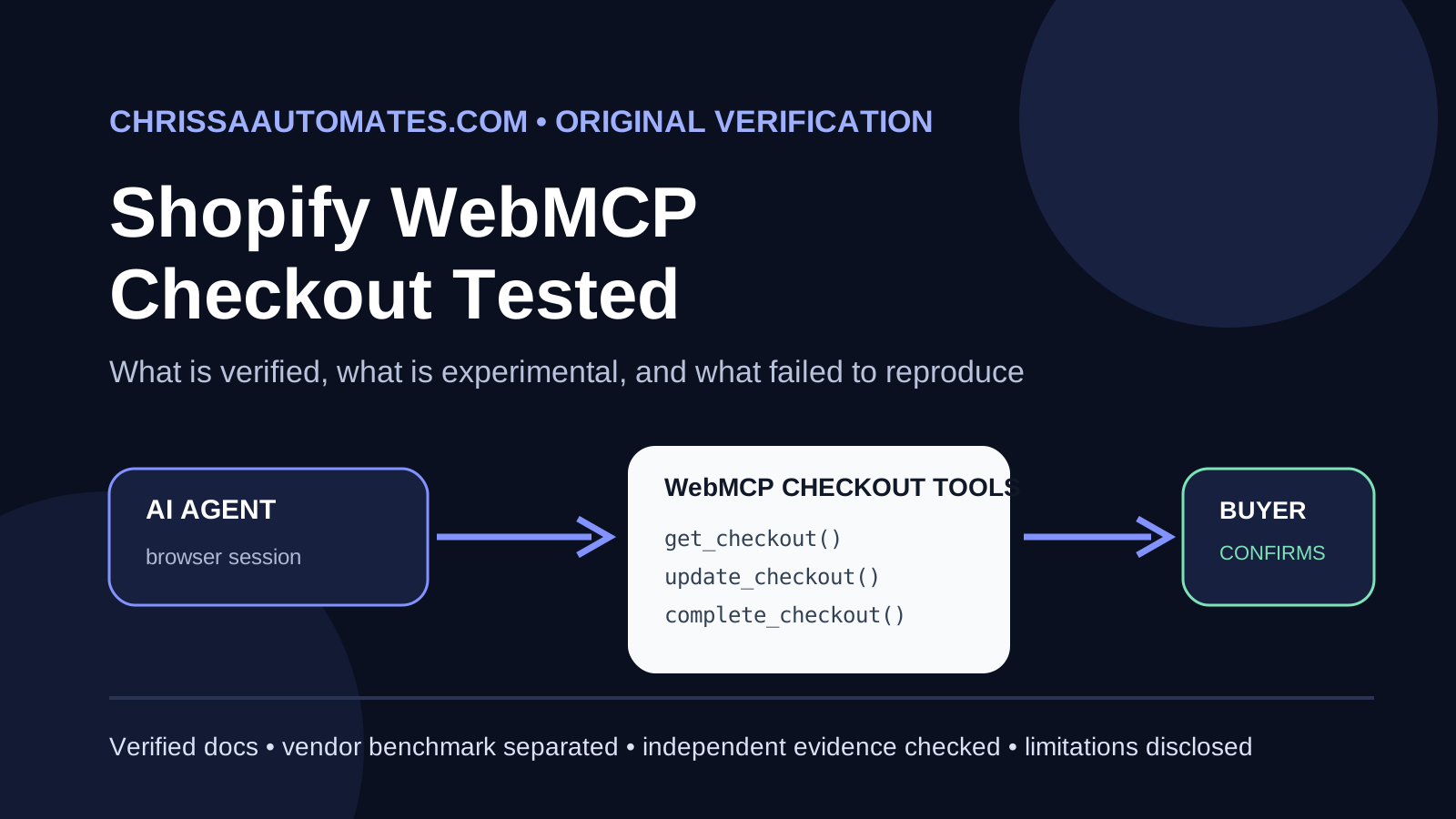
Eight live WebMCP runs selected the correct shoes. Another 36 checks found cart enforcement gaps. See the measured results and lessons for ecommerce brands.
AI Agents, Permissions, Business Workflows
As AI agents start reading your emails, touching your files, and updating your systems, clear permissions are no longer a “nice to have” – they are the safety rails that keep automation powerful, predictable, and safe. This guide explains what AI agent permissions are, why they matter, how standards like MCP and A2A fit in, and which actions should always require a human’s approval.
AI agent permissions are the rules that define what an AI agent is allowed to access and do on your behalf. Think of them as the combination of job description and access badge for your digital coworker. They spell out:
What the agent can see: emails, calendars, CRM records, documents, tickets, or other systems.
What the agent can do: read, draft, update, send, delete, or share information.
What needs approval first: actions that must be reviewed and confirmed by a human before they are executed.
In practice, permissions might sound like: “This agent may read inbox messages and draft replies, but cannot send anything without approval” or “This agent can view CRM contacts and create new notes, but cannot edit billing fields.”
💡 Pro Tip: Write permissions in plain language first (“can read, can draft, cannot send”), then translate them into technical settings. It keeps everyone aligned.
Modern AI agents don’t just chat. They connect to real business tools: email, calendars, CRMs, file storage, task managers, HR systems, and more. Without clear permissions, an agent could:
Send messages that sound confident but are incorrect or poorly timed.
Delete or overwrite data that your team relies on every day.
Share sensitive information with the wrong person or system.
Permissions reduce the risk of these unwanted actions by putting guardrails in place. They help you:
Comply with privacy, security, and regulatory requirements.
Maintain trust with customers and employees by avoiding surprises.
Gradually increase automation confidence: start with “read and draft,” then move toward “execute with approval,” and only later “execute automatically” where it’s truly safe.
MCP, or Model Context Protocol, is a standard that helps AI systems connect to tools and data sources in a consistent way. You can think of MCP as the connection layer that lets an AI agent talk to your email system, database, or internal APIs without custom plumbing each time.
But there is an important distinction: connecting to a tool is not the same as deciding what the agent is allowed to do with it. MCP can expose capabilities like “list emails,” “send message,” or “update record,” but permissions decide which of those capabilities each agent may actually use, and under what conditions.
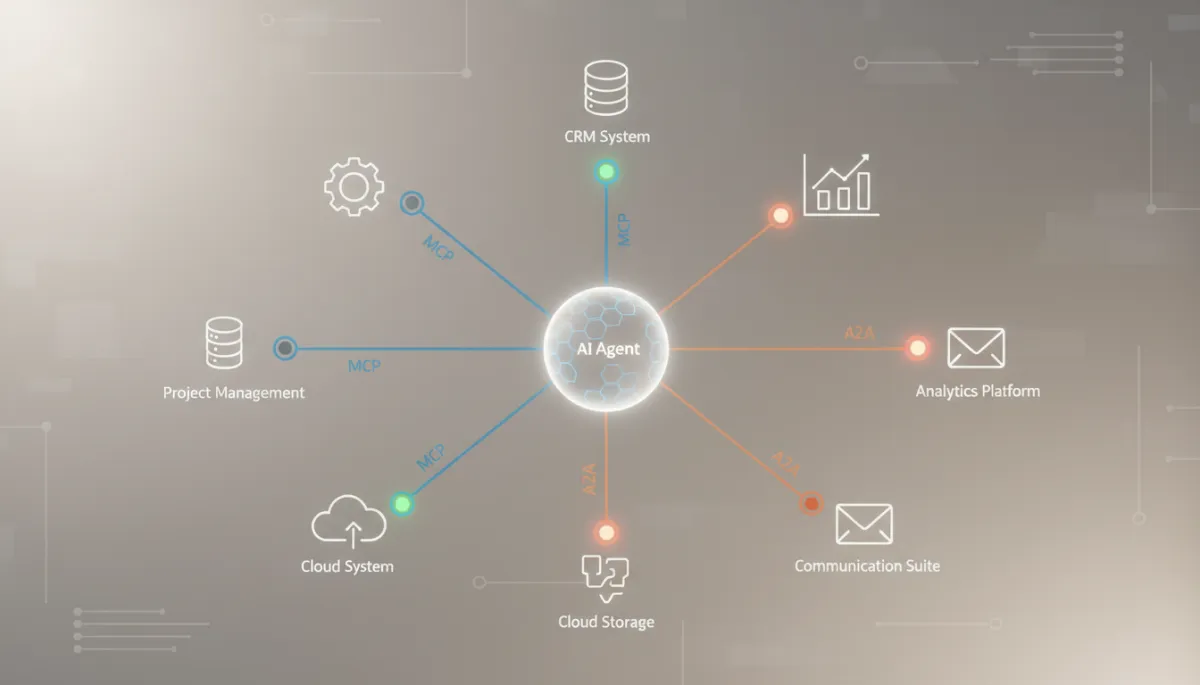
Standards like MCP and A2A connect systems, while permissions decide what agents may do.
In other words, MCP is the plumbing; permissions are the policy. You still need clear rules such as “this agent may only use read-only endpoints” or “this agent can call ‘send email’ only after a human approves the draft.”
While MCP focuses on connecting AI agents to tools and data, A2A – short for Agent-to-Agent – focuses on how agents communicate with each other. You can imagine two layers:
MCP: “How does this agent talk to email, calendar, CRM, or databases?”
A2A: “How do multiple agents coordinate, hand off tasks, and share results?”
In a business workflow, you might have a “research agent” that gathers information, a “drafting agent” that prepares content, and an “ops agent” that updates systems. A2A lets these agents collaborate, but permissions still apply at every step:
Which agents can share which data with each other?
Which agent is allowed to take the final action in a system of record?
Where do humans need to approve the handoff or the final outcome?
Both MCP and A2A are enablers. They make it easier to plug agents into your environment and into each other. But neither replaces the need for a clear permission model and approval rules that reflect your risk tolerance and compliance needs.
Some actions are simply too sensitive, irreversible, or reputation-critical to leave on autopilot. As a baseline, an AI agent should not do the following without explicit human approval:
Send emails or messages externally, especially to customers, partners, or prospects. For example, if you’re using ManyChat comment-to-DM automation, keep the AI focused on drafting replies while you approve what actually gets sent.
Delete or permanently modify files, folders, or records in shared systems.
Publish content on websites, blogs, social media, or internal portals that others rely on for information.
Change customer records in CRMs, help desks, or billing systems, especially contact details, contract terms, or payment information. In workflows like an Instagram DM lead tracking workflow or a small agency lead routing automation, let agents propose updates, but have humans confirm any edits to core customer data.
Share private or sensitive information with other tools, agents, or external parties unless it is clearly intended and logged.
Edit billing, access, or security settings for any system or account.
Modify core workflows or automations that affect how work moves through your organization.
📌 Key Takeaway: Let agents observe and draft freely, but require humans to approve anything that is public, permanent, or financially or legally binding.
AI agents, MCP, and A2A open the door to powerful, end‑to‑end automation across your business. But without a thoughtful permission model, that power comes with unnecessary risk. Treat your agents like new team members: give them clear roles, limited access at first, and a path to earn more autonomy over time. With the right permissions and approvals in place, you can enjoy the benefits of automation while staying firmly in control of what your AI is allowed to do. If you’re also thinking about how this ties into your broader digital footprint, it’s worth checking your AI search readiness so both humans and AI systems interpret your site the way you intend.

Chrissa
Chrissa Ibiernas is a Marketing Automation, Lead Generation & AI Workflow Specialist with 8+ years of experience building lead funnels, CRM pipelines, email nurturing systems, and AI-assisted follow-up workflows. She works with GoHighLevel, HubSpot, n8n, Zapier, OpenAI, and Claude to help businesses build practical marketing systems that connect lead generation to conversion. Contact: hello@chrissaautomates.com
Building an AI or SaaS product people need to see in action?
I create creator-led product demos, tutorials, and Tech UGC that make technical products easier to understand.