Quick Answer
If new leads sit unanswered because nobody owns them, set a form-triggered flow that: confirms receipt, creates or updates the CRM record, classifies the service interest (SEO, PPC, content, social, email), assigns an owner, sends a booking link or next-step CTA, and starts a 2-business-hour response timer with escalation alerts if nobody acts.
Missed opportunity example
A local bakery submits a contact form saying "Want PPC ads for holiday promos". The lead goes to a general inbox and a generalist replies after 48 hours with a generic message. The bakery books with a competitor who offered a PPC specialist call in under 2 hours. That gap — wrong owner, slow reply — is why small agencies lose easy business when there are no routing rules for specific services like PPC campaign management.
Who this is for
Agency owners and operators running a small marketing agency that handles multiple concurrent clients and services (SEO audits, PPC campaign management, content creation, social media strategy, and email marketing). This is written for teams where a Client Success Manager or Sales Coordinator is responsible for triaging incoming leads.
Why the inquiry does not become a booked next step
Usually because there’s no clear owner and no time rule. A typical failure looks like: a lead names a service (PPC), the inbox gets a general reply, the specialist isn’t looped in, and the lead waits. In practice this leads to prospects doubting pricing clarity and communication — two common objections that make them look elsewhere. Fast, correct ownership matters while the prospect is still actively comparing agencies.
Before and after: a real example
Before: Lead fills the form saying "PPC ads" → sits in shared inbox → reply after 48 hours from a generalist → prospect is wary of pricing and books elsewhere.
After: Lead fills the form → immediate confirmation with booking link (sent by automation) → CRM record created and tagged Interest:PPC → assigned to PPC strategist by rule → PPC strategist gets alerted if not claimed in 2 business hours → prospect books a consult same day.
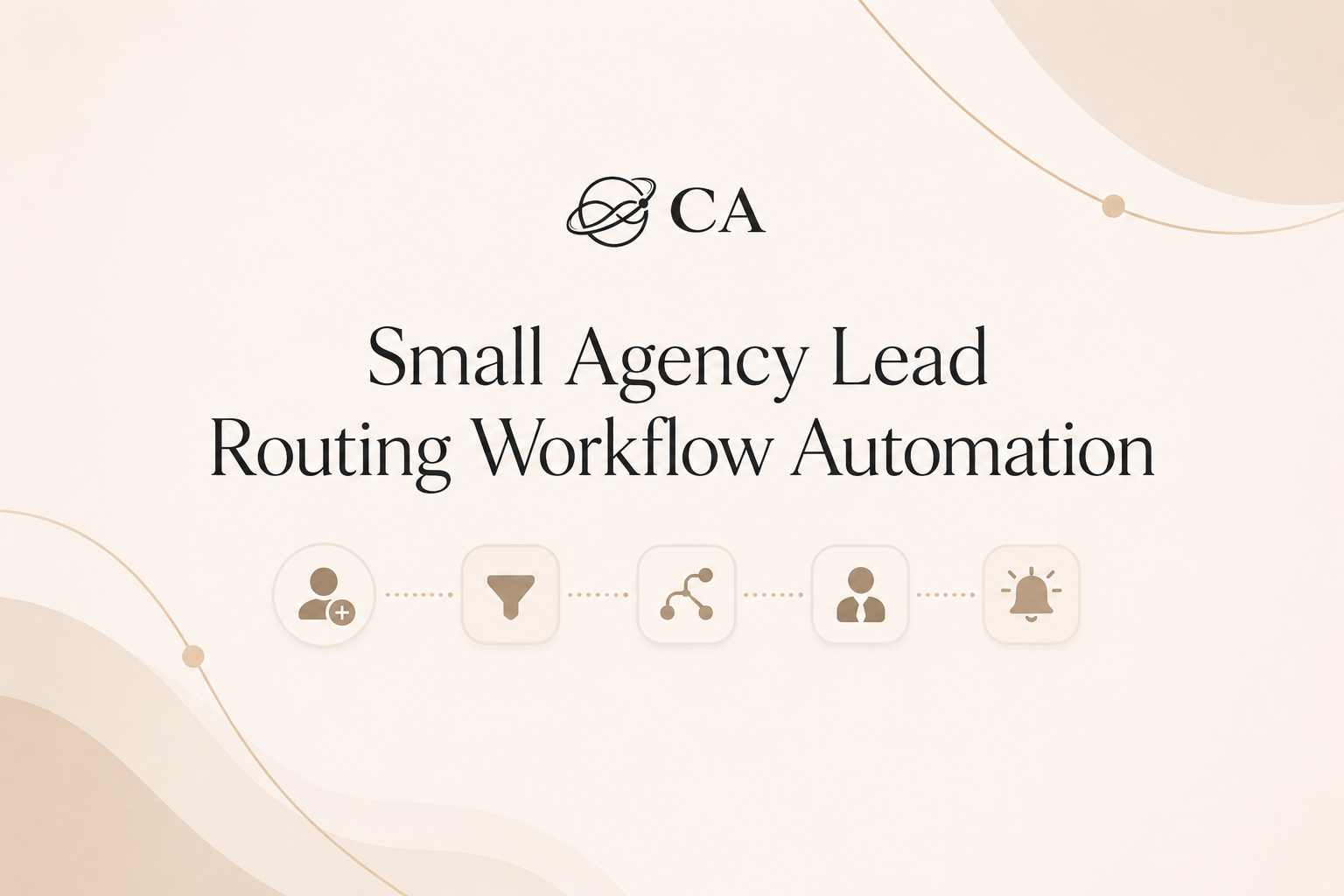
The form-to-booking workflow
Step 1: Confirm the inquiry
Send an instant, short confirmation message so the lead knows you saw them. Keep it specific: mention the service they indicated and give one clear next step (booking link or reply keyword). Why it matters: confirming removes doubt — the lead expects an answer and gauges your response speed against competitors.
Step 2: Create or update the CRM/contact record
Match by email/phone or create a new contact. Copy the core answers into fields: service interest, budget range, timeline, preferred contact channel. Why it matters: the CRM record is the single source of truth for assignment and future handoffs; without this the team repeats discovery calls.
Step 3: Tag the interest or request type
Apply an explicit service tag like Interest:PPC or Interest:Content. Use dropdowns where possible so the automation can read the value reliably. Why it matters: tags drive routing rules — if a lead wants PPC, it should hit the PPC bucket, not the generic sales queue.
Step 4: Send the booking link, next-step link, or clear CTA
If the lead looks ready, send a calendar link for a short consult. If the lead wants pricing first, send a short intake questionnaire and set expectations on timing (for example, "We’ll send pricing within one business day after you submit the intake"). Why it matters: giving a clear next action increases the chance of a booked consult while the lead is actively deciding.
Step 5: Alert staff if no next step happens
Start a 2-business-hour timer after the confirmation message. If no booking or reply happens, alert the Client Success Manager or Sales Coordinator via Slack/email and create a task. Why it matters: the timer enforces ownership and keeps responses within the competitive window for marketing decisions.
Step 6: Send 24-hour no-booking or no-response follow-up
If the lead still hasn’t booked after 24 hours, send a polite follow-up message and put the record into a short recheck queue for three days. Why it matters: not every lead is ready immediately; systematic follow-up recovers prospects who need time.
What can be automated
Automations handle predictable, repeatable work: parsing form fields, creating/updating CRM records, applying service tags, sending the initial confirmation and booking link, starting the 2-hour timer, and triggering staff alerts if the lead isn’t booked. The automation is especially useful for recognizing phrases like "PPC" or answers from a service dropdown and routing to the correct specialist automatically.
What your team should still handle
Humans handle pricing conversations, complex scope checks, and the consult itself. The Client Success Manager or Sales Coordinator should review leads flagged as unclear, high value, or requesting bundled pricing before any final assignment or quote is sent.
Examples you can copy
Example — External auto-reply (copyable): "Thanks for reaching out — I’m [Name], Client Success at [Agency]. I see you're asking about PPC campaign management. Book a 20-minute consult here: [calendar link]. If you prefer pricing first, reply 'PRICE' and we’ll send options within one business day."
Example — Internal CRM note + Slack alert (copyable): "New Lead: Interest:PPC; Budget: $3k/mo; Pref: Email. Assign to: Senior PPC Strategist. If not assigned in 2 hours, alert @sales-coordinator. CRM note: 'Visited PPC pricing twice before submission.'"
CRM tagging checklist
-
Add Interest tag (one of: PPC, SEO, Content, Social, Email).
-
Add Source (Website Form, Facebook Lead Ad, Referral).
-
Add Budget range field (under $1k, $1k–$3k, $3k+).
-
Add Timeline (ASAP, 1–3 months, 3+ months).
-
Mark Lead Status: New → Contacted → Booked → Needs Review.
The setup behind this workflow
This setup ties a form, CRM, calendar, and a team alert channel together. Building it requires mapping form fields to CRM fields, creating tagging rules, writing the confirmation and follow-up messages, and setting timers for the 2-business-hour and 24-hour checks. If your team knows the workflow but needs step-by-step help wiring the fields, triggers, tags, reminders, and staff alerts, a focused implementation course can speed things up — for example, the GHL Bootcamp can walk an agency through creating those exact automations in a CRM and calendar system.
Staff handoff example
When a lead is tagged Interest:PPC and budget >= $2k, the automation assigns the record to the PPC strategist and creates a task: "Call within 2 business hours — reference web form answers." If the strategist is unavailable, the task is reassigned to the Sales Coordinator and the CRM note says who was attempted. This keeps accountability clear: the handoff point is the task assignment timestamp in the CRM.
What not to automate
-
Automating bespoke pricing proposals or final scope decisions — these require human judgment.
-
Automating final onboarding agreements — keep legal/contract checks with staff.
-
Automating long strategic recommendations before a consult — strategy needs human context.
After the consultation is booked
Send a short appointment reminder (one email and one SMS, if the lead opted in) 24 hours before and 1 hour before the consult. Keep reminders factual: time, link, and what to prepare.FAQ
Q: What if the lead selects multiple services?
A: If the form allows multiple selections, pick the primary service based on an explicit 'priority' question or budget indicator. If still unclear, flag the lead as 'Needs Review' and route to the Client Success Manager for a quick check before booking.
Q: Is a 2-business-hour target realistic?
A: A good rule of thumb is to respond within 2 business hours during agency working days. It’s not a universal guarantee but it does keep you in the window where prospects are actively comparing options.
Q: What if the prospect asks about bundled pricing right away?
A: Route those leads to a human. The automation should flag 'Pricing Requested' and create a task for the Sales Coordinator or Client Success Manager to follow up with customized pricing within the stated SLA (for example, one business day).
If you want to build this workflow yourself
Start by documenting the form fields and the exact CRM fields you need. Build the mapping, create tags for each niche service (SEO audits, PPC campaign management, content creation, social media strategy, email marketing), and test with sample leads. If your team needs guided, hands-on help wiring the CRM triggers, tags, reminders, and handoffs, consider a focused bootcamp that walks through implementing those automations step by step — for example, the GHL Bootcamp is designed to teach agencies how to wire up these exact workflows.
Next action
Map your current contact form fields to CRM fields and set a test: send three dummy leads that cover SEO, PPC, and Content. If any of the three fail to reach a 'Booked' state within the 2-business-hour timer in your test, fix the mapping or the tagging rule that failed. That single test will reveal the weakest point in your routing chain.