Research & Experiments
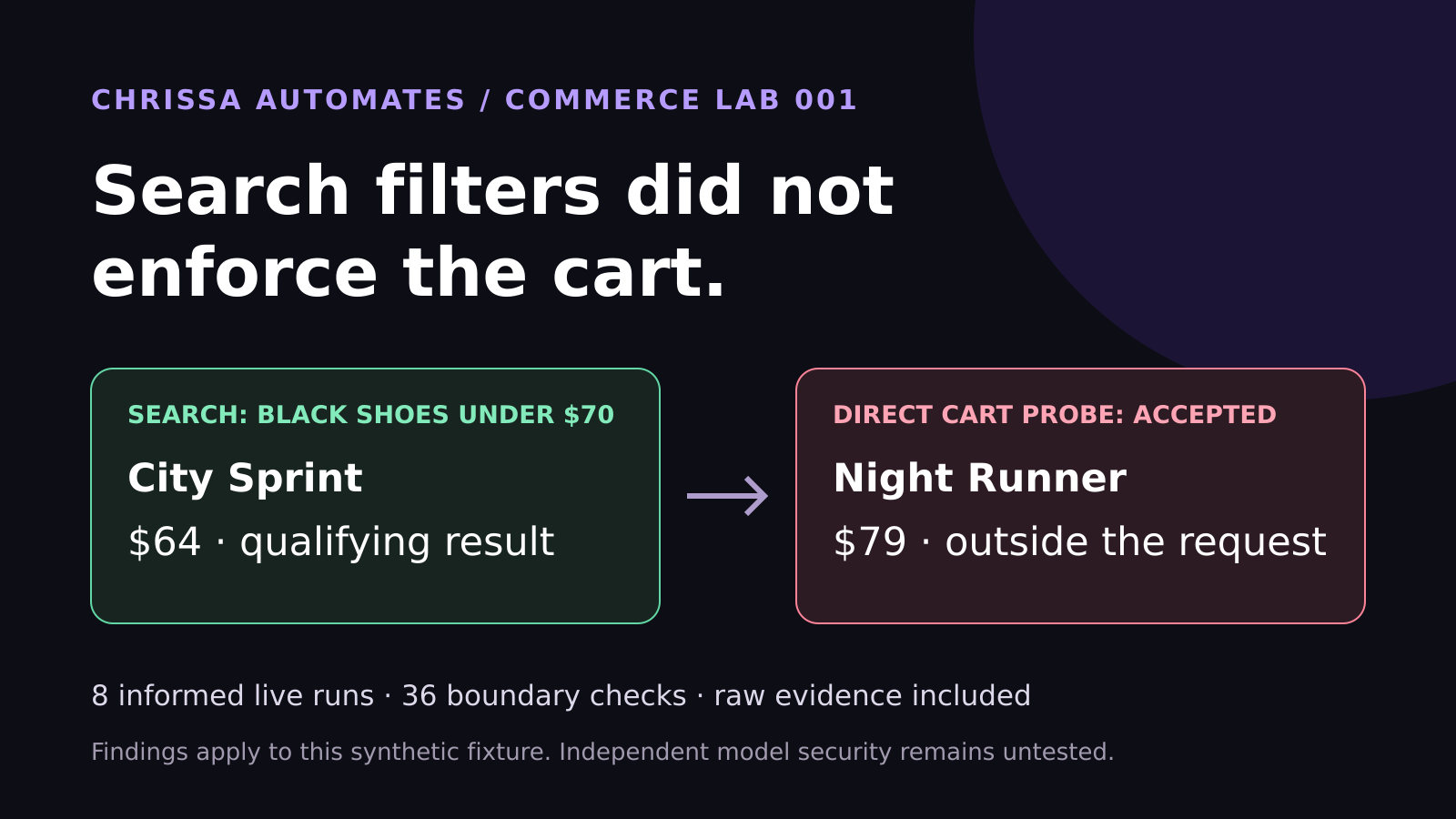
WebMCP Shopping Test: Search Filters Did Not Enforce the Cart
Eight live WebMCP runs selected the correct shoes. Another 36 checks found cart enforcement gaps. See the measured results and lessons for ecommerce brands.
AI, Agentic AI, Workflow Automation
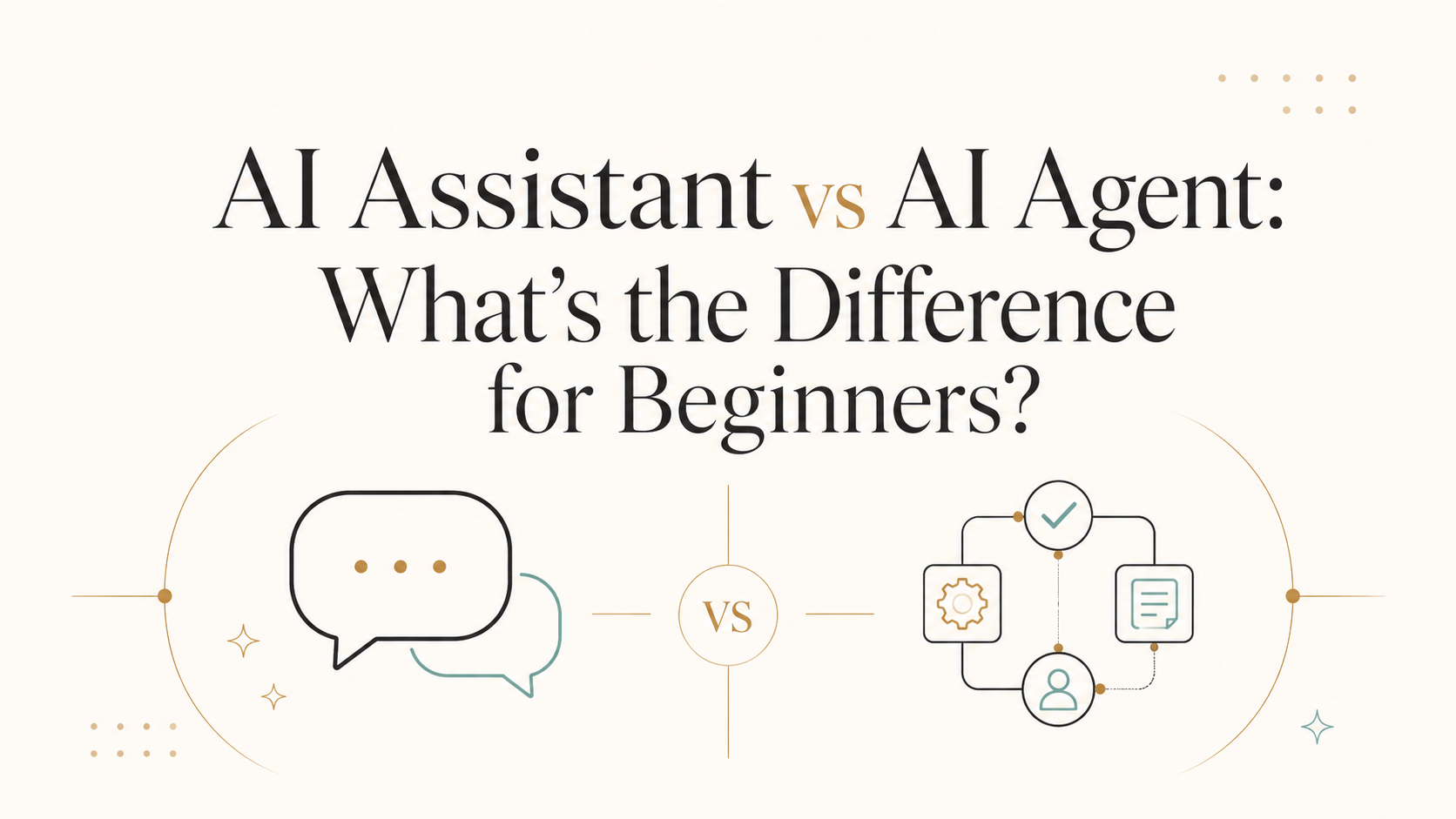
Understanding “AI assistant vs AI agent” is one of the most useful first steps if you’re a business owner, creator, marketer, consultant, or small team trying to use AI for real, everyday workflows. This guide explains the difference in clear, practical language with examples you can actually use.
Think of an AI assistant as a helpful coworker you chat with when you need something done right now: “Write this email,” “Summarize this page,” “Draft 10 Instagram hooks.” It waits for you to ask, then responds. It’s mostly reactive.
An AI agent is more like a junior team member with a checklist, tools, and a clear goal. You give it rules and access to apps (like your CRM, website, or Google Sheets), and it can act on its own inside those boundaries: check pages, move leads, send drafts, update tasks, and loop until the job is finished or it needs your decision. That’s what people mean by Agentic AI—systems that can plan, act, observe, and adapt across tools, not just chat once and stop (agentic.ai).
A simple way to remember it: Assistants answer. Agents execute.
Feature AI Assistant AI Agent Main role Answers questions, drafts content, helps in-the-moment Runs workflows across tools to reach a goal How it works One-off prompts and responses Multi-step, looping workflows with tools and data Autonomy level Low – waits for your prompt Medium to high – can act within guardrails you set Typical tools Chat interfaces, document editors, email, search Workflow platforms (Make, n8n), CRMs, task tools, APIs Human involvement You drive every interaction You design the workflow and approve key decisions Best for beginners Drafting, brainstorming, quick answers Repetitive processes like lead handling, page checks, follow-ups
Most people meet AI through assistants: ChatGPT, Claude, Gemini, or AI features built into tools like Notion, ClickUp, or Google Docs. These are ideal for:
Drafting emails, social posts, and landing page copy
Summarizing calls, documents, or website pages
Brainstorming campaign ideas or content angles
You stay in control. You ask; it responds. This is perfect when the task is creative, judgment-heavy, or one-off—like writing a nuanced sales email where tone really matters. The assistant supports your thinking but doesn’t touch your systems or data unless you paste things in manually.
For many small teams, starting with assistants builds confidence before moving into more automated agent workflows.
AI agents become powerful when you connect them to your existing tools and define clear workflows. Instead of just answering, they take action in systems like your CRM, project manager, chat tools, and spreadsheets. Research from Cisco and others notes that agents increasingly plan, act, and adapt in loops rather than single responses (cisco.com).
Imagine you run a small agency. You could use an AI assistant to brainstorm blog ideas. An AI agent, however, can help run the whole workflow:
You add a topic idea to a Google Sheet (“AI assistant vs AI agent” for example).
A Make or n8n workflow watches that sheet for new rows.
The AI agent generates a brief, suggested outline, and SEO notes using an LLM step.
It creates ClickUp tasks for “Outline,” “Draft,” and “Review,” attaching the brief.
You still control the voice and final content, but the agent handles the repetitive setup every time a new idea appears. This is a simple Agentic AI pattern: AI prepares. Human approves.
For many consultants and small agencies, leads arrive from forms, ads, or chatbots. An AI agent can:
Read new lead details from your CRM or Google Sheet
Classify the lead (e.g., “hot,” “warm,” “not a fit”) using an AI step in Make or n8n
Route “hot” leads into a GoHighLevel (GHL) pipeline and trigger a tailored follow-up sequence
Draft a first reply email or SMS for you to approve before sending
Again, the pattern is: the agent does the sorting and drafting; you decide what actually gets sent. This protects your brand while saving hours of manual triage.
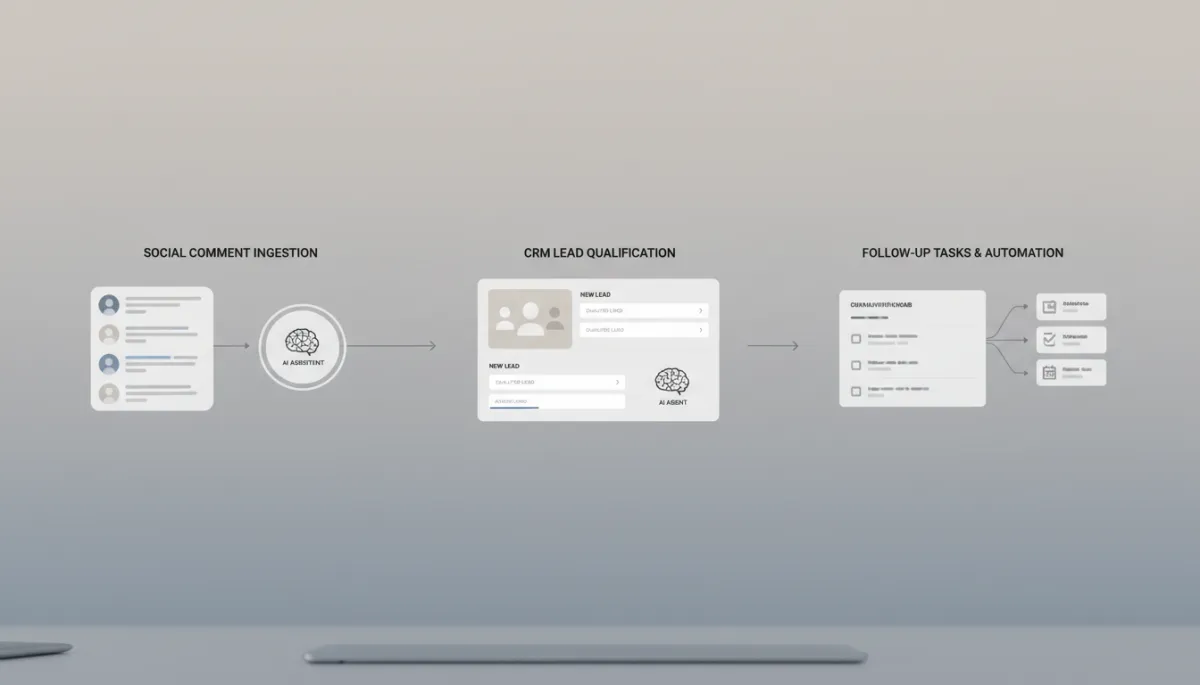
Mapping workflows visually makes it easier to decide where agents should act.
ManyChat is popular for automating comment-to-DM flows on social posts. An AI assistant can help you write the DM scripts. An AI agent can help run the process:
A user comments a keyword on your Instagram post.
ManyChat triggers a flow and calls an AI step to personalize the DM based on the post and user context.
The AI agent tags the contact, logs the conversation in your CRM, and, for higher-value replies, creates a ClickUp task for a human to follow up personally.
You define the rules, language, and escalation points. The agent keeps everything organized and consistent in the background.
If you run a site with many landing pages, manually checking each one for clarity, calls to action, and technical basics is slow. An AI Page Readiness Checker agent can:
Crawl or receive a list of URLs from a Google Sheet
Use an LLM to review each page for messaging, headings, CTAs, and basic SEO elements
Score each page and write suggested improvements (e.g., clearer headline, stronger offer, missing meta description)
Log results back into the sheet and create ClickUp tasks for pages below a certain score
You or your team then review the suggestions and decide what to implement. The agent does the heavy lifting; you keep the judgment.
As Agentic AI becomes more common, one consistent theme in 2026 research is the need for governance and oversight, especially in regulated industries (gartner.com). For small teams, that translates into a simple operating principle: AI prepares. Human approves.
Let agents gather data, draft messages, classify leads, and propose changes.
Keep a human step for anything that affects money, reputation, or legal risk (e.g., final copy, pricing, contracts).
Build approval steps into your workflows: ClickUp tasks, status fields in Google Sheets, or manual “Approve/Reject” buttons in Make, Zapier, or n8n.
General chat: ChatGPT, Claude, Gemini, Perplexity
In-app assistants: ClickUp AI, Notion AI, Google Workspace AI, Microsoft Copilot
Make or Zapier to connect tools like GHL, Google Sheets, ClickUp, and ManyChat with AI steps
n8n if you want more technical control or self-hosting for higher volumes
CRM and support tools with built-in agents, like Freshworks’ Freddy AI Agents or Anthropic’s Claude for Small Business, if you prefer “plug and play” experiences
You don’t need to adopt everything at once. Start with one or two workflows—like lead routing or content task creation—then expand as your comfort and results grow.
Link to a Beginner AI Agent Guide for a deeper, step-by-step walkthrough of building your first agentic workflow (ideal anchor text: “Beginner AI Agent Guide”).
Link to your AI Page Readiness Checker tool page from the website checks section (anchor text: “AI Page Readiness Checker”).
Link to articles on workflow automation with Make or n8n for readers ready to get more technical.
Not necessarily. Many tools now offer visual builders and templates. If you can describe your process in plain language and click through a drag-and-drop workflow builder, you can set up simple agents. For more advanced automations, partnering with a technical freelancer or agency can help you move faster and stay safe.
Current trends suggest agents are best at repetitive, structured work, not relationship-building, strategy, or nuanced judgment. In practice, they often remove busywork so your team can focus on higher-value tasks. Framing agents as “junior helpers” you supervise, rather than replacements, keeps adoption healthier and more sustainable.
Use an AI assistant when the task is one-off, creative, or unclear. Use an AI agent when the steps are repeatable, involve multiple tools, and you’re tired of doing them manually. If you can write the workflow as a checklist, it’s usually a good candidate for an agent.
It can be, if you design with guardrails. Limit what data agents can access, start with read-only or draft-only actions, and always keep human approval for anything sensitive. As industry analysts point out, governance and oversight are now core parts of successful agent deployments, not optional extras (techradar.com).
Understanding “AI assistant vs AI agent” is more than a terminology exercise. It helps you decide where to use AI in your business and how much control to give it. Assistants help you think and create. Agents help you execute and follow through across tools like ManyChat, GHL, n8n, Make, ClickUp, Google Sheets, and your website stack.
To move from theory to practice:
Start with the Beginner AI Agent Guide to map one simple workflow (like lead routing or content task creation) and turn it into your first agent.
Run your existing pages through the AI Page Readiness Checker to identify quick wins where an agent can help you improve clarity, conversion, and consistency.
As you experiment, keep your workflows simple, your guardrails clear, and your approvals in place. Let the agents handle the repetitive steps so you and your team can focus on the parts of the business that still require a human mind and a human touch.

Chrissa
Chrissa Ibiernas is a Marketing Automation, Lead Generation & AI Workflow Specialist with 8+ years of experience building lead funnels, CRM pipelines, email nurturing systems, and AI-assisted follow-up workflows. She works with GoHighLevel, HubSpot, n8n, Zapier, OpenAI, and Claude to help businesses build practical marketing systems that connect lead generation to conversion. Contact: hello@chrissaautomates.com
Need creator-led education for an automation or SaaS product?
Turn workflows and product features into practical demonstrations your audience can actually follow.