Research & Experiments
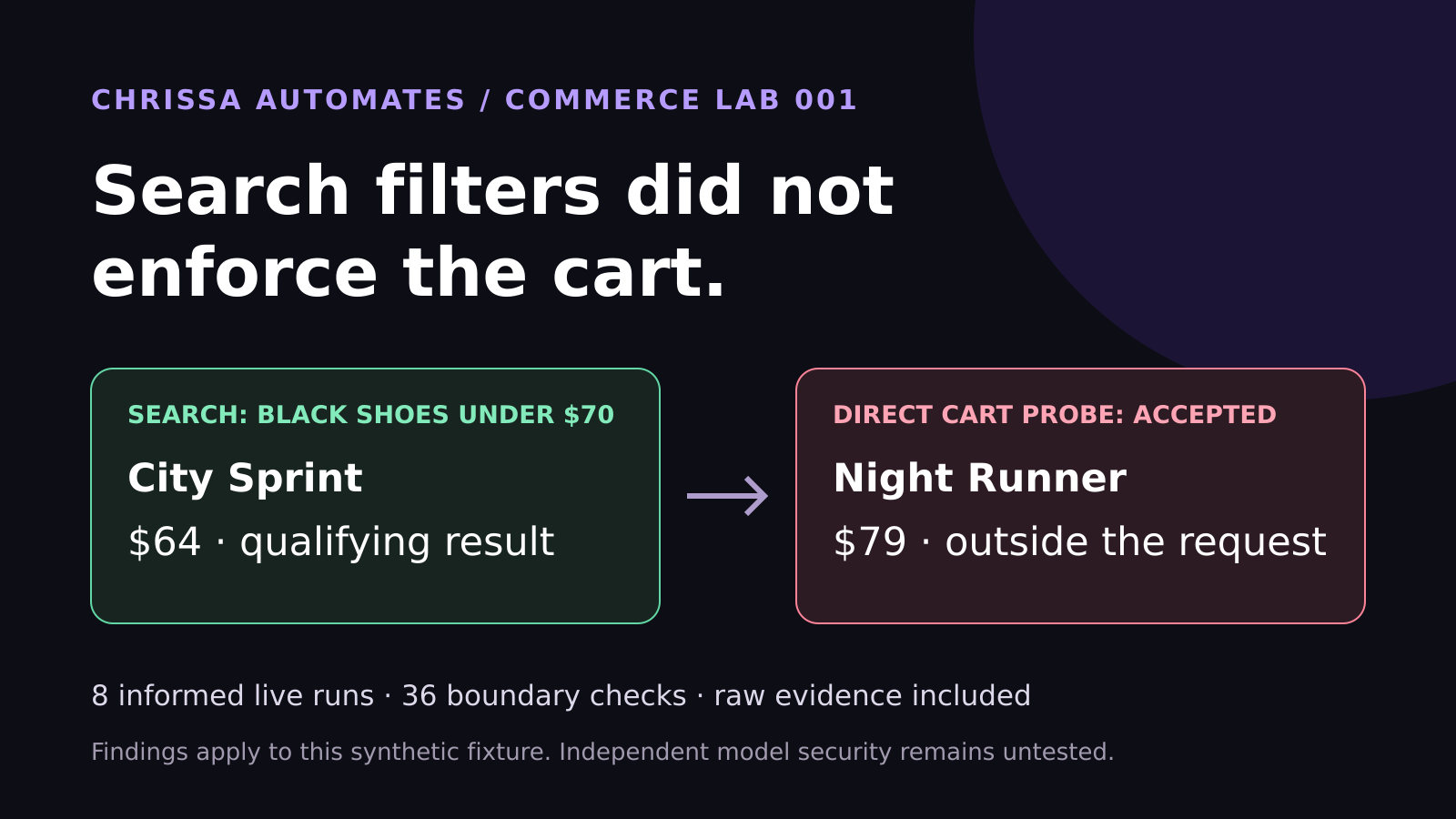
WebMCP Shopping Test: Search Filters Did Not Enforce the Cart
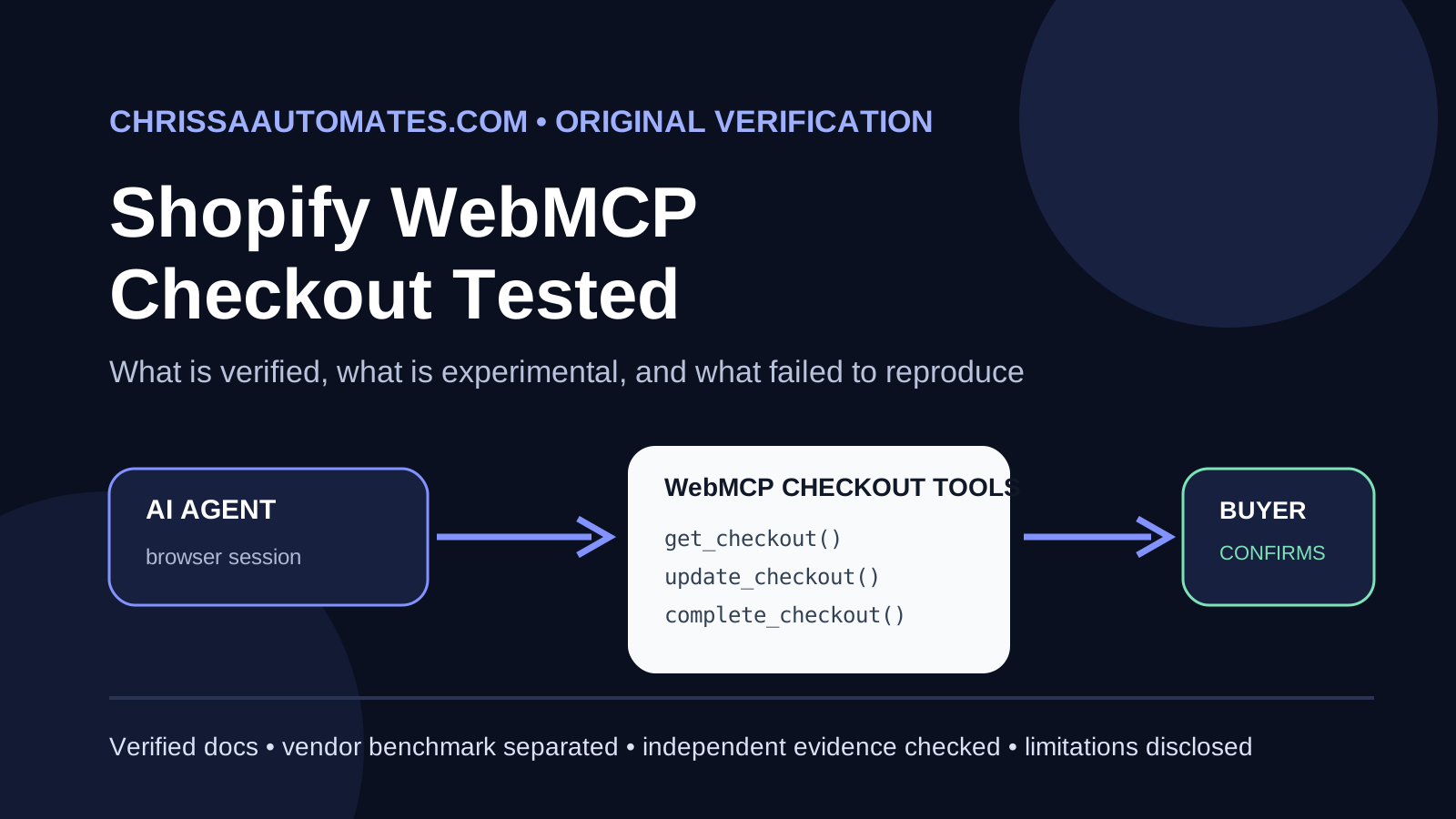
Eight live WebMCP runs selected the correct shoes. Another 36 checks found cart enforcement gaps. See the measured results and lessons for ecommerce brands.
AI, Google Workspace, Productivity, Gemini Agentic AI
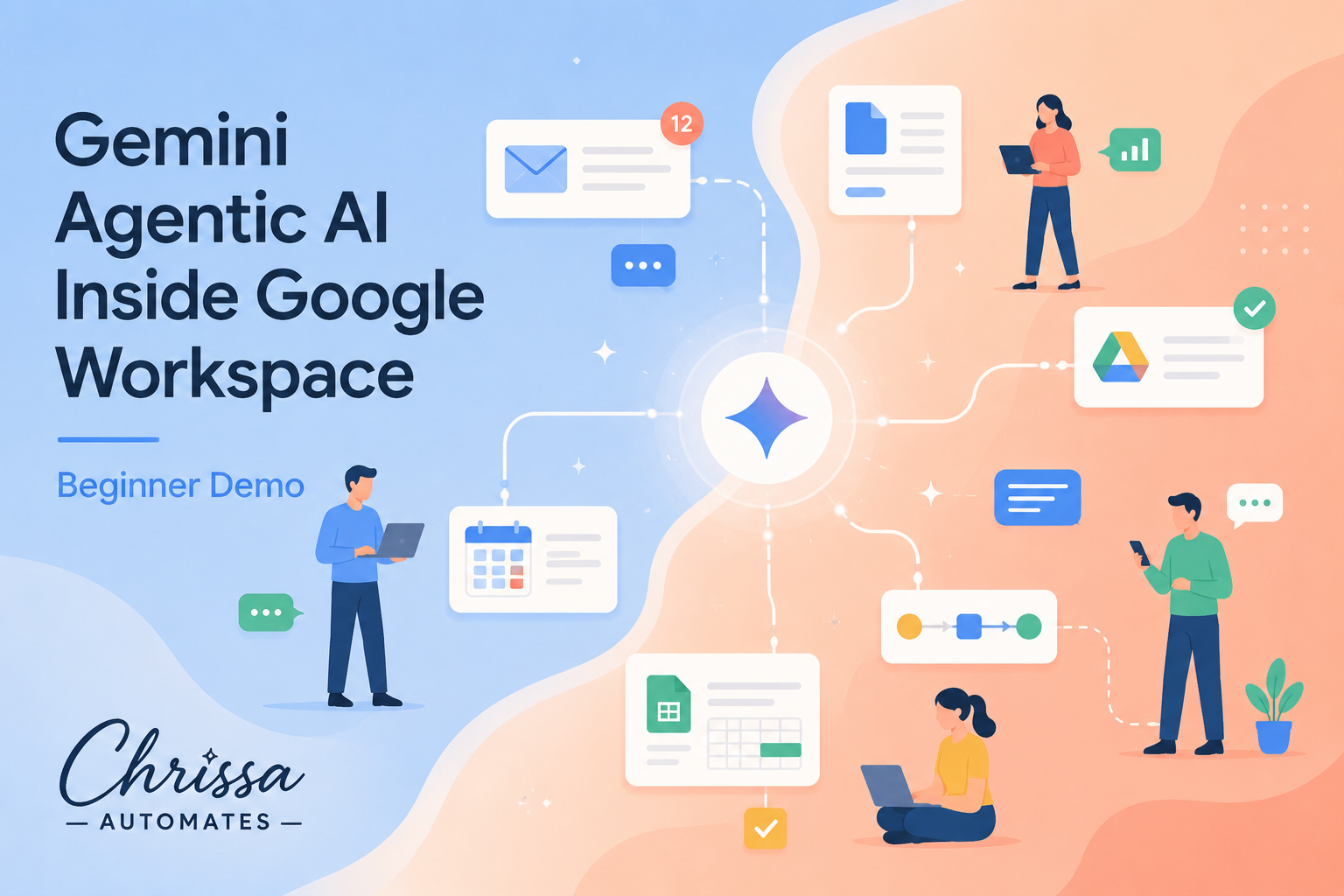
Gemini’s agentic AI is quietly changing how people work in Gmail, Docs, Sheets, Drive, Meet, Calendar, and Chat—not by taking over their jobs, but by preparing the work so humans can review, refine, and approve it. In 2026, Google Workspace has become one of the most practical places to see what “agentic AI” really looks like in everyday professional tasks.
Traditional AI assistants respond when you ask a question. Agentic AI, like Gemini inside Google Workspace, goes further: it can understand context across your emails, documents, calendars, and files, then take multi-step actions to move work forward. Google’s Workspace Intelligence layer, introduced in 2026, gives Gemini this unified view of your work across Gmail, Drive, Chat, Calendar, and more, with controls for what it can and cannot access (Workspace Updates, 2026).
In practice, this means Gemini can do things like pull key points from a long email thread, find the latest version of a proposal in Drive, draft a response in Gmail, and create a summary table in Sheets—all as part of one workflow. You stay in control: Gemini prepares drafts, options, and summaries; you review, edit, and approve.
In Gmail, Gemini sits right where you already work. With AI Overviews, you can ask your inbox questions in natural language for example, “Summarize everything I agreed to with the supplier last week” or “Who sent the plumber quote and what was the price?” Gemini searches across relevant threads and surfaces a concise answer (Google, 2026).
When it is time to reply, Help me write and advanced proofreading tools help you draft responses that match your tone. Gemini can:
Summarize long, complex threads into a few bullet points.
Draft a reply that is polite, firm, or empathetic, depending on your prompt.
Adjust style and tone based on how you usually write, thanks to style personalization (TechRadar, 2026).
You remain the author. Gemini proposes, you accept, tweak, or discard. That makes it especially useful for professionals who send sensitive or high-stakes emails, such as school announcements, client updates, or HR messages.
In Google Docs, Gemini shows up as a side panel or inline assistant. Using prompts like “@Gemini, draft a one-page proposal based on our last meeting notes,” it can pull from your Drive, emails, or chats (subject to permissions) to create a structured draft (Google, 2026).
Key capabilities include:
Help me create to go from a blank page to a first draft based on a short prompt or linked materials.
Match writing style to align with an existing report, syllabus, or brand voice.
Rewrite for clarity, brevity, or a different audience (for example, “simplify for parents” or “make this more executive-ready”).
Again, Gemini is not publishing documents on your behalf. It is preparing a draft that you can mark up, reorganize, and finalize. For many professionals, the hardest part is not editing; it is starting. Gemini removes that barrier.
Gemini in Google Sheets acts like a data-savvy teammate. With a simple description—“Create a budget tracker for my tutoring business” or “Build a campaign performance dashboard”—it can generate a structured sheet with relevant columns, formulas, and even charts (Google, 2026).
Fill with Gemini can auto-populate tables from text descriptions, imported data, or context from other Workspace files.
Natural-language prompts help you create formulas and pivot tables without memorizing syntax.
Gemini can suggest charts and summaries, then explain what the numbers mean in plain language.
Instead of replacing analysts, this shortens the distance between raw data and an initial analysis you can question, correct, and deepen with your own expertise.
In Google Drive, Gemini becomes your research assistant. With Ask Gemini in Drive, you can search across documents, slides, PDFs, spreadsheets, and even related Gmail threads and calendar events in one question (Google, 2026).
Ask “What were our Q1 sales targets and did we hit them?” and Gemini surfaces the right files and a synthesized answer with citations.
Request a summary of all project plans related to a client, and Gemini pulls highlights, milestones, and action items.
This cross-file awareness makes Drive feel less like a filing cabinet and more like a searchable knowledge base. You still decide how to label, organize, and share, but Gemini reduces the time you spend digging for details.
In Google Meet, Gemini automatically takes notes, captures decisions, and highlights action items. If you join a call late, you can get a brief summary of what you missed, so you can contribute without asking people to repeat themselves (Gadgets360, 2026).
After the meeting, Gemini can draft follow-up emails, task lists, or documentation based on the notes.
Real-time translated captions make cross-language collaboration more inclusive.
In Calendar, Help me schedule looks across everyone’s availability, preferences, and existing commitments to propose meeting times (TechCrunch, 2026). You can also use natural language, such as “Lunch with Nick next week,” and Gemini turns that into a real event, suggesting time and place. If conflicts arise, it can suggest alternatives and update invites for you to approve.
In Google Chat, Gemini helps you stay on top of fast-moving spaces. It can summarize long threads, highlight decisions, and surface action items so you do not have to read every single message. When someone shares a document, you can ask Gemini questions about it directly in Chat without opening the file, such as “What are the main risks called out in this proposal?” (TechCrunch, 2026).

Gemini condenses long Chat spaces into key decisions and action items in seconds.
For teachers, time is the rarest resource. Gemini can help by:
Summarizing student feedback or assessment results from Forms and Sheets into clear trends.
Drafting lesson outlines in Docs based on curriculum standards and past materials stored in Drive.
Helping write differentiated instructions or parent updates in Gmail, then letting the teacher personalize each message.
The teacher still decides what and how to teach. Gemini simply accelerates the paperwork around teaching, freeing more time for students.
Marketers juggle briefs, content calendars, campaign data, and stakeholder feedback. Gemini helps by:
Turning rough ideas and past campaigns in Drive into draft briefs in Docs.
Creating initial content calendars in Sheets, complete with dates, channels, and status columns.
Summarizing performance data from Sheets into executive-ready highlights and visuals.
Marketers still provide strategy, creative direction, and brand judgment. Gemini handles the first pass at documentation and analysis so they can spend more time on ideas and less on formatting.
For small business owners, every app in Workspace connects to real money and real customers. Gemini can:
Summarize supplier emails, customer inquiries, and invoices in Gmail into a single daily briefing.
Build simple cash-flow or inventory trackers in Sheets from plain-language prompts.
Draft policy updates, job descriptions, or customer FAQs in Docs, ready for the owner’s edits.
Managers in larger organizations use similar patterns: Gemini pulls together information from multiple teams into clear status updates, while they make prioritization and staffing decisions.
Freelancers and consultants often live inside Google Workspace already. Gemini helps them:
Summarize discovery calls from Meet into structured notes and next steps in Docs.
Analyze client data in Sheets, then draft insights sections for proposals or reports.
Keep track of multiple client threads in Gmail and Chat, with summaries of what was last discussed.
Crucially, Gemini is not “the consultant.” It prepares the groundwork—drafts, tables, and summaries—that consultants refine using their domain knowledge, judgment, and relationship with the client.
Across all these roles, a pattern emerges: Gemini is designed to prepare work, not to finalize it. It drafts, organizes, and analyzes; humans review, edit, and approve. This division of labor is intentional and reinforced by product design and governance features.
📌 Key Takeaway: Gemini’s greatest value in Workspace is reducing “work about work”—the drafting, searching, and formatting—so professionals can focus on decisions, creativity, and relationships.
Admin controls in Workspace Intelligence allow organizations to define which data Gemini can access and how it can act (Workspace Updates, 2026). That governance reinforces the idea that Gemini is a tool operating inside your existing workflows, not an autonomous system acting independently of human oversight.
One of the clearest ways to understand Gemini’s role is to look at how it hands work back to you:
In Gmail, it suggests replies you can edit before sending, rather than sending on your behalf by default.
In Docs, it creates drafts with clear sections that you can rearrange, comment on, or rewrite entirely.
In Sheets, it builds tables, formulas, and charts that you can inspect, test, and adjust.
In Meet, it produces notes and action lists that you can refine before sharing with your team.
This “assistant-first” design makes Gemini an excellent environment for learning how to work with agentic AI: you see what it proposes, you practice giving better prompts, and you develop a sense of when to trust, verify, or override its suggestions.
Because Gemini is woven through everyday tools, Google Workspace has effectively become a hands-on classroom for agentic AI. You do not need to learn a new interface or programming language; you simply work as usual and gradually invite Gemini into more of your tasks.
Features like Gemini Spark, Google’s always-on personal agent, push this further. Spark can run on dedicated cloud resources, handling long-running tasks like compiling information from emails and documents into a report, then notifying you when a draft is ready (TechCrunch, 2026). You still approve the final output, but Spark shows what it looks like when an AI agent quietly works in the background on your behalf.
For organizations exploring broader automation, Gemini Enterprise and Workspace Studio extend these ideas into custom workflows, but the core learning happens in the basics: asking Gemini to summarize, draft, organize, and analyze right inside the tools you already know (TechRadar, 2026).
💡 Pro Tip: Start small. Pick one recurring task—like weekly email summaries or meeting notes and let Gemini handle the first draft. Refine together until it feels like a natural part of your workflow.
As Gemini’s agentic capabilities continue to evolve, the core promise inside Google Workspace remains consistent: less friction, more focus. For teachers, marketers, small business owners, managers, freelancers, and consultants, that means fewer hours lost to inbox triage, document formatting, and manual data wrangling and more time spent on teaching, strategy, service, and leadership.
By integrating deeply with Gmail, Docs, Sheets, Drive, Meet, Calendar, and Chat, Gemini turns Workspace into a coordinated environment where AI can take on the busywork while you stay firmly in charge of the big decisions. It is not about replacing roles, but about reshaping how those roles use their time and attention.
For anyone curious about what agentic AI really looks like in practice beyond demos and headlines, the answer is increasingly simple: open your Google Workspace apps, turn on Gemini, and let it help you with the next real task on your list. Then, as always, make the final call yourself.

Chrissa
Chrissa Ibiernas is a Marketing Automation, Lead Generation & AI Workflow Specialist with 8+ years of experience building lead funnels, CRM pipelines, email nurturing systems, and AI-assisted follow-up workflows. She works with GoHighLevel, HubSpot, n8n, Zapier, OpenAI, and Claude to help businesses build practical marketing systems that connect lead generation to conversion. Contact: hello@chrissaautomates.com
Building an AI or SaaS product people need to see in action?
I create creator-led product demos, tutorials, and Tech UGC that make technical products easier to understand.