Quick Answer
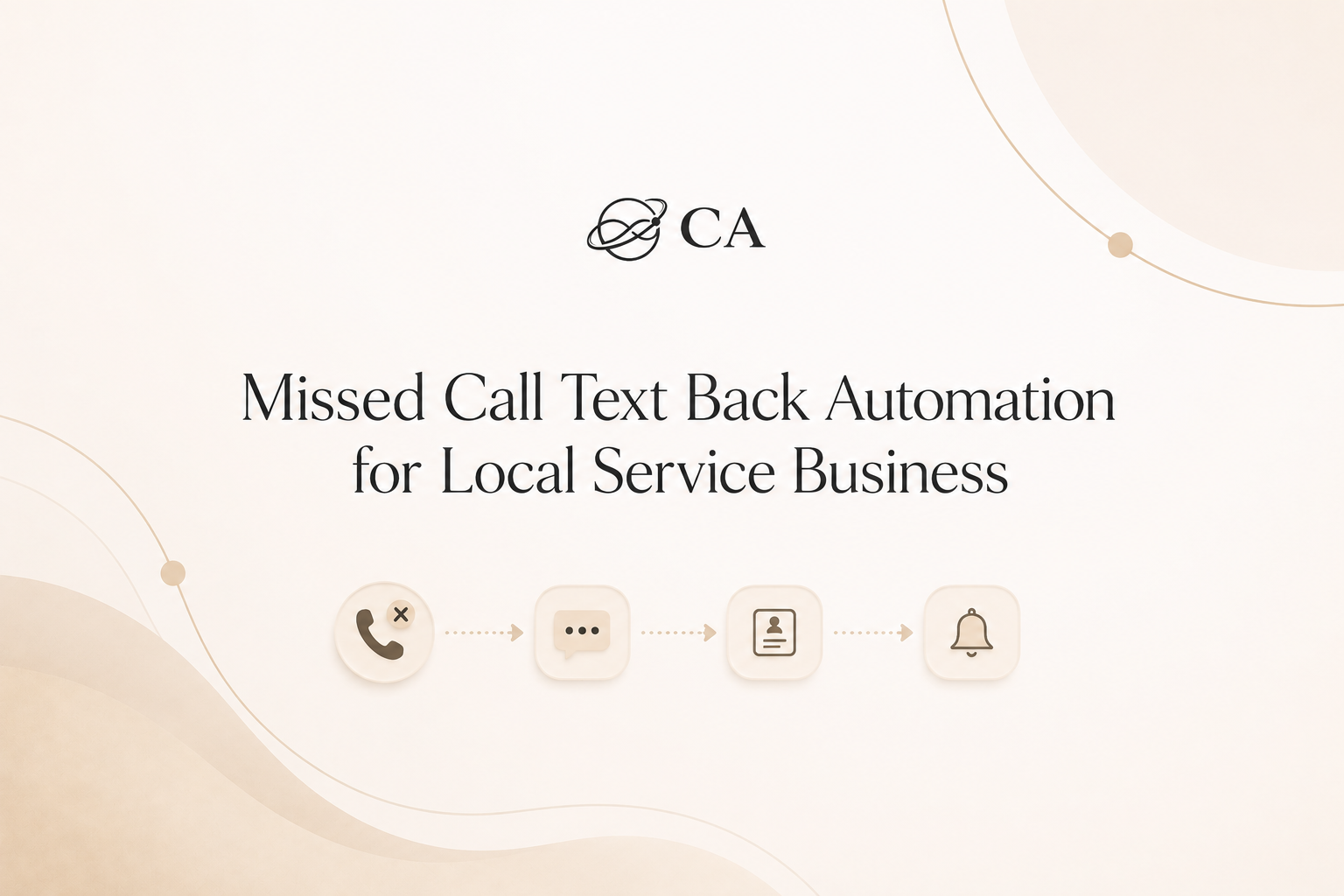
If a call is missed, send an SMS within 60 seconds asking what they need, collect the reply or a quick selection, create or update the CRM record with service and location, tag it as urgent when appropriate, and alert the dispatcher within 5 minutes so a technician can be scheduled within 30–60 minutes for urgent repairs.
Missed opportunity example
A homeowner calls at 10:12pm about a cold water heater. No answer. With no immediate SMS they assume no one is available and call another company that replied with a text asking for the issue and ZIP—who then scheduled an emergency visit. That’s a warm lead lost in the first 5 minutes because there was no quick, contextual reply.
Who this is for
Operators and owners of local home service businesses — emergency plumbing, HVAC installers and techs, electricians, lawn irrigation setup crews, and appliance repair teams — especially those whose customers call outside business hours or during busy dispatch windows. If you have a dispatcher or customer service coordinator handling assignments, this is for you.
Why the inquiry does not become a booked next step
Because a missed call creates uncertainty: the homeowner doesn’t know if someone is available, whether emergency fees apply, or if the call will be returned. That uncertainty drives them to competitors who respond immediately. The real gap is not a missing app, it’s the missing chain of events that turns a missed call into a verified lead and a staff alert.
Before and after (a real-world framing)
Before: Missed call at 9:40pm about a burst pipe. No SMS. No response for 30+ minutes. Customer calls competitor and schedules immediate service.
After: Missed call at 9:40pm triggers a text at 9:41pm asking what the problem is. Caller replies "burst pipe, 07002". CRM creates lead at 9:41pm, tags priority:urgent, dispatcher is alerted at 9:44pm, and a tech is scheduled by 10:00pm. The customer stays with you while staff confirms emergency fee and ETA.
The inquiry-to-next-step workflow
Step 1: Confirm the inquiry
Trigger on a missed call (abandoned call or voicemail). Send an SMS within 60 seconds that acknowledges the call and gives clear reply options (numbered choices or brief text). Why it matters: it keeps the lead engaged while they’re still actively searching for help.
Step 2: Create or update the CRM/contact record
When the system receives a reply, create a contact or update the existing one with phone, reply text, ZIP, timestamp, and source=missed_call_sms. Why it matters: you need the contact and time-stamped note for dispatch and for later follow-up if the job goes to scheduling.
Step 3: Tag the interest or request type
Automatically tag the lead based on keywords or choice numbers: plumbing (clog, burst, leak), HVAC (no cool, not blowing), electrical (outage, sparking), irrigation (line break), appliance (water heater, dryer). Add priority tags like 'urgent' when the caller describes safety risks or flooding. Why it matters: tags let the dispatcher filter urgent jobs quickly.
Step 4: Send the next-step link or clear CTA
Offer a direct CTA in the SMS: reply with details, click to schedule, or press a number for immediate callback. If you use a booking link, only present it when the problem is non-emergency. Why it matters: a clear next step reduces friction and speeds booking.
Step 5: Alert staff if no next step happens
If the lead doesn't click or reply with a booking within 5 minutes, auto-create a high-priority task for the dispatcher. The dispatcher should call to confirm address, clarify emergency fee questions, and decide whether to assign a technician. Why it matters: some leads need human reassurance to proceed.
Step 6: Send 24-hour no-booking follow-up
If the lead is still unbooked after 24 hours, send a polite follow-up SMS and mark the lead for normal outreach or archive if no response. Why it matters: some issues aren't true emergencies but still become customers with a timely nudge.
What can be automated
-
Missed-call detection and instant SMS sent within 60 seconds.
-
Parsing short replies to populate service, ZIP, and urgency fields.
-
Creating/updating CRM contact records and applying service tags.
-
Generating a dispatcher alert or task when no booking occurs within 5 minutes.
What your team should still handle
-
Confirming the physical address and any safety concerns before dispatch.
-
Approving emergency fees and explaining them to the customer.
-
Manual scheduling when travel time, parts, or multiple crews are involved.
-
Phone follow-up on unclear replies or multi-issue reports (e.g., "AC not cooling" plus electrical smell).
Examples You Can Copy
SMS template (instant):
Hi — we missed your call. Reply with the number: 1) Leaky pipe, 2) Burst pipe, 3) No hot water, 4) AC not cooling, 5) Electrical outage. Reply with number + ZIP. If this is a dangerous situation, reply "HELP".
Dispatcher note (auto-created):
Caller: +1 (555) 123-4567 — Replied "1, 97035" (leaky pipe, ZIP 97035). Priority: urgent. Action: call to confirm address and assign nearest plumber. Timestamp: 08:12.
CRM tagging and review checklist
-
Confirm contact name and phone.
-
Add service tag (plumbing_leak / HVAC_no_cool / electrical_outage / irrigation_break / appliance_water_heater).
-
Set priority tag if caller mentions flooding, gas, or no heat in winter.
-
Log initial SMS content and timestamp.
-
Record dispatcher action and time to first human contact.
The setup behind this workflow
Typical tool stack: phone/VoIP provider with webhook support, an SMS gateway (for quick two-way replies), a CRM that can accept API-created contacts and tags, and a task/alert system for dispatch. You can build this with common tools your team already uses or choose a platform that bundles phone, SMS, CRM, and alerts.
Building this manually is doable but fiddly: you must map reply keywords to tags, handle duplicate contacts, and make sure alerts don’t get lost. If you want a faster way to implement and learn how to wire those fields, a bundled platform can reduce setup time and recurring manual errors — consider a provider that supports annual billing to lock in savings and commitment during rollout (HighLevel Annual plan).
Staff handoff example
Auto-task created: "Missed-call lead — plumbing_burst — ZIP 02139" assigned to Dispatcher 1. Dispatcher calls, confirms address, explains emergency fee, assigns Tech A for 45-minute ETA. Handoff note: "Tech A assigned. Customer approved emergency fee verbally at 09:02. ETA 09:45."
What not to automate
Don't let the system automatically commit to emergency jobs, waive fees, or perform safety triage. Those steps require human confirmation to protect customers and staff.
After the consultation or next step is booked
Keep appointment reminders brief and only as a secondary automation: a confirmation SMS when the technician is assigned and a single reminder an hour before arrival. This article focuses on getting the inquiry booked; handling no-shows or post-job follow-up is a separate workflow.
FAQ
What if customers think automated SMS means no real tech will come?
Include language that makes it clear the SMS is a live response system: "This message helps our team prioritize your request — a dispatcher will call to confirm availability." That reduces doubt and encourages replies.
How quickly should staff act after the SMS reply?
A good rule of thumb: alert the dispatcher within 5 minutes and aim to schedule urgent jobs within 30–60 minutes. These are operational targets, not guarantees; adjust to your team's capacity.
Can the SMS collect address automatically?
Yes, but require staff review. Let the SMS request ZIP or street number, then have the dispatcher confirm full address before dispatch due to possible typos.
If you want to build this workflow yourself
If wiring webhooks, SMS parsing, CRM fields and dispatcher alerts isn’t something you want to DIY, a platform that combines phone, SMS, CRM and tasking can speed the build and reduce errors. Some businesses choose an annual billing plan to lower recurring costs and stay committed while they test the workflow — one such option is the HighLevel Annual plan which includes phone and CRM features useful for this setup. Use it only as a resource if you still need help wiring triggers and tags.
Next action
Run a live test: have someone call and abandon the call, confirm your system sends the SMS within 60 seconds, verify the CRM contact is created with tags, and check that a dispatcher alert appears within 5 minutes. Adjust reply wording and tag rules based on the test results.