Quick Answer
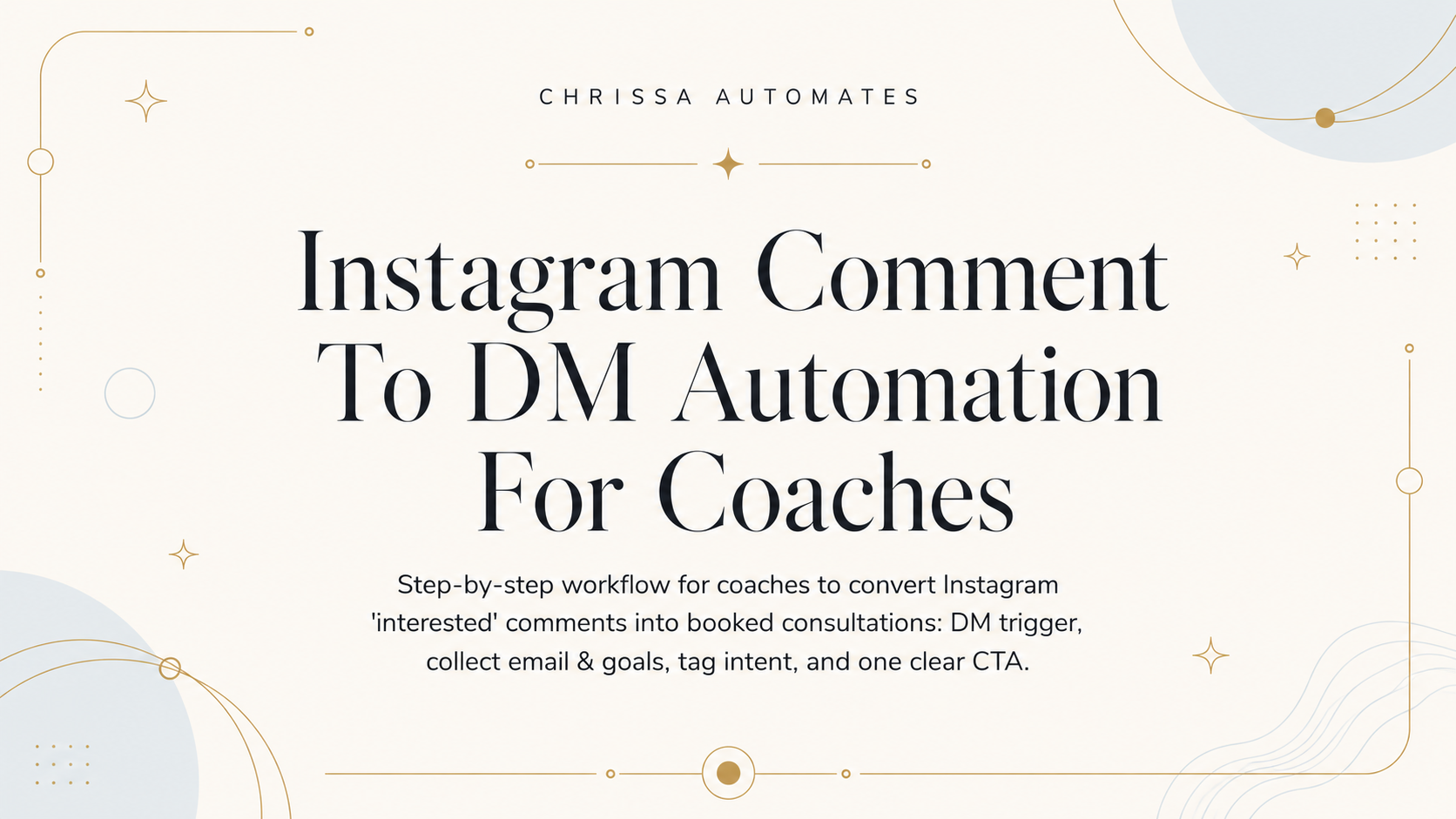
If you get comments like "interested" on a post offering a free guide, your system should: send an automated DM within 10 minutes that asks for email and one coaching goal, create/update the CRM contact, tag the lead as guide downloader with intent set to high engagement, and send a single clear CTA to book a short breakthrough call. If no reply, follow up automatically at 48 hours and a final reminder at 5 days.
Missed opportunity example
A coach ran a month-long push for a free Mindset Reset Planner and collected dozens of "interested" comments. The coach was booked with 1-on-1 client sessions and left comments unread. A competitor DM'd within minutes and offered a live strategy session—one follower booked immediately. That one booking could have led to ongoing 1-on-1 coaching or a tailored program enrollment. This is the exact moment a small coaching business loses a warm lead.
Who this is for
This is written for online coaching businesses and coaches who run free downloadable guides (for procrastination, mindset shifts, or habit challenges) on Instagram and see public comments like "interested". Typically the client engagement coordinator or community manager runs this workflow in small teams.
Why the inquiry does not become a booked next step
Most of the time it’s not the tool that’s missing — it’s the bridge. Public comments are passive; they don’t automatically tell you where the lead should go next. Real problems that break the chain:
-
No DM sent within the first 10 minutes, so the lead cools off.
-
Difficult DM flows that ask for too much info up front and make the lead drop out.
-
No CRM record created, so the lead is invisible for follow-up tasks.
-
No tagging of intent, so staff can’t prioritize high-opportunity leads (for example, those wanting 1-on-1 coaching vs. a group call).
Before and after
Before: dozens of comments, no DMs, scattered notes in DMs, missed follow-ups, and warm leads slipping to competitors. After: automated DM within 10 minutes, email and coaching goal collected, contact created, tagged as "guide downloader" with intent "high engagement," and a single CTA to book a short discovery call — plus scheduled follow-ups and staff alerts when needed.
The form-to-booking workflow
Step 1: Confirm the inquiry
Trigger: someone comments "interested" on your free guide post. Action: send an automated DM inside 10 minutes that: thanks them, says you'll send the guide, then asks two quick things — the best email and one coaching goal. Why this matters: asking for a single clear goal shows you can help and gives a simple qualification signal for staff.
Step 2: Create or update the CRM/contact record
Action: parse the DM reply and create or update a contact record with Instagram handle, name (if given), email, and short goal. Why this matters: if you don’t store the email and goal, follow-ups are ad hoc and you won’t know which leads need priority handling.
Step 3: Tag the interest or request type
Action: apply a tag like guide downloader and set a custom field intent = high engagement. Also record the guide name (Mindset Reset Planner, procrastination guide) and comment date. Why this matters: tags let the client engagement coordinator filter urgent leads for fast, personal follow-up.
Step 4: Send the booking link, next-step link, or clear CTA
Action: once email + goal are collected, send a single CTA — a 20–30 minute breakthrough call booking link or webinar sign-up. Keep the CTA short and clear: one link, one action. Why this matters: too many choices kill momentum; a single next step makes it easy for the lead to act while they’re still comparing options.
Step 5: Alert staff if no next step happens
Action: if the lead doesn’t book within 48 hours, create a task for the client engagement coordinator to review the DM thread and either personalize a follow-up or escalate to the coach. Why this matters: human tone matters when leads say they’re unsure about time, cost, or coaching style.
Step 6: Send 48-hour and 5-day follow-ups
Action: automated follow-up at 48 hours, final reminder at 5 days, then tag as 'cold' if no engagement. Why this matters: a second and third touch keeps the lead warm without manual monitoring and preserves opportunities for later re-engagement.
What can be automated
-
Detect comment keywords and trigger the initial DM within the 10-minute window.
-
Send the initial DM template asking for email and one coaching goal.
-
Parse simple replies and populate CRM fields: email, minimal goal text, guide name.
-
Apply tags and set intent value automatically.
-
Deliver the single booking CTA when required fields are present.
-
Schedule 48-hour and 5-day follow-ups and create staff alert tasks when leads fail to book.
What needs human review
Because coaching decisions can be personal and sensitive, humans must handle:
-
Open-text goals that need interpretation (e.g., "I want to stop being lazy").
-
Objections like concerns about time or cost — respond with empathy and options.
-
High-intent leads who ask multiple questions or request immediate availability.
-
Any automation errors where email parsing fails or a lead gives conflicting info.
Practical examples and templates
Below are two short templates you can paste into your automation and one staff note for handoffs.
Example (Initial automated DM template)
Label: Initial DM Template
"Hi {first_name}! Thanks for your comment on the Mindset Reset Planner. I can DM the free guide—two quick things so I send the right version: what’s ONE coaching goal you'd like to focus on? And what email should I send it to? If you prefer, you can book a short 20-minute breakthrough call here: [booking link]."
Example (48-hour follow-up — automatic)
Label: 48-hour Follow-Up Template
"Hey {first_name}, just checking in—did you get the Mindset Reset Planner? If you have a quick goal you'd like help with, here's a 20-minute time to talk: [booking link]."
CRM tagging checklist
-
Tag: guide downloader
-
Custom field: intent = high engagement
-
Custom field: interest_area = (mindset / procrastination / habits)
-
Field: email_collected = yes/no
-
Note: comment_date and initial_DM_time
-
Assign queue: Client Engagement Coordinator for any unbooked lead after 48 hours
Simple Tool Stack
This workflow usually needs three connected parts:
-
Instagram for the post and DMs (trigger source).
-
An automation backend that can detect comments and send templated DMs (can be a social inbox service or an automation platform connected to Instagram).
-
A CRM that supports contact creation, tags/custom fields, booking links, and staff task creation.
If you understand the workflow but want a platform to practice building the triggers, tags, tasks, and booking flows without risking live accounts, a 14-day backend trial can be useful as a testing environment. For example, you can test triggers, DM parsing, and tag rules with the GHL Pro Trial to see how your CRM and automation interact before committing.
Staff handoff example
Label: Handoff instruction for Client Engagement Coordinator
"Task: Review @username. Automation collected email but the goal is vague ('I want to stop procrastinating but I have no time'). Send a personal reply that acknowledges time constraints and offer two options: a 15-min sprint call or the 3-day habit challenge workbook. Log chosen option in CRM and mark task complete."
What not to automate
-
Deep qualification conversations that require tone and empathy.
-
Pushing people directly into paid program billing without a human check.
-
Deciding coaching fit based on a single-line comment — route that to a human.
-
Complex schedule negotiations — let the coach or coordinator confirm final times.
After the consultation is booked
Keep this short: send an appointment reminder 24 hours before the call and a brief SMS or DM 1 hour before if you use those channels. These reminders are administrative — keep them factual (time, video link) and avoid adding heavy sales content.
FAQ
Q: How fast should the first DM go out?
A: A good rule of thumb is within 10 minutes of the comment to keep the lead engaged while they’re still comparing options.
Q: What if the lead doesn't give an email in the DM?
A: Send a short follow-up asking if they'd prefer the guide via DM or email. If they still don’t provide contact info, create a CRM record with the IG handle and schedule a 48-hour staff review for personal outreach.
Q: Should I send pricing in the DM flow?
A: Not automatically. If a lead asks about price, route that to the client engagement coordinator or coach. Automation can present the booking option and point to an informational page, but pricing discussions should be human-led.
If You Want to Build This Workflow Yourself.
If you know the workflow but want help building the CRM fields, triggers, tags, reminders, and staff handoffs, testing everything on a sandbox backend is useful. You can try a 14-day environment like the GHL Pro Trial to practice the exact comment-to-DM triggers and tag rules before you run it live.
Next action
First: pick one active post offering a guide (mindset reset or procrastination planner). Second: set up a comment trigger that sends the initial DM and test it with your team. Third: confirm CRM fields (email_collected, intent, guide_name) and create the 48-hour task rule. Run a 14-day test batch and review edge cases with your client engagement coordinator.