Freelancer client onboarding workflow automation is a structured process that starts when a client pays a deposit and automatically guides the project toward kickoff. It updates the CRM, sends a welcome message, collects required assets, creates tasks, sends booking links, triggers reminders, and gives a dashboard view of onboarding progress.
This workflow helps freelancers, local service businesses, agencies, and operations teams reduce missed files, unclear next steps, and delayed project starts.
Quick Answer: What Is Freelancer Client Onboarding Workflow Automation?
Freelancer client onboarding workflow automation is a repeatable process that begins when a deposit is marked as paid. It automatically:
-
Updates the CRM
-
Sends a welcome message
-
Collects required files and details
-
Applies service and status tags
-
Creates project tasks
-
Sends a kickoff booking link
-
Triggers reminders
-
Shows onboarding status in a dashboard
The result is a clear deposit-to-kickoff workflow with fewer manual follow-ups and fewer missed steps.
Who This Is For
This onboarding automation framework is designed for:
-
Freelancers (web design, branding, copywriting, SEO, social media, marketing, automation setup)
-
Local service businesses (salons, clinics, photographers, home services)
-
Small agencies managing multiple client projects
-
Project coordinators and operations managers
-
Recruiters and hiring managers evaluating CRM and workflow automation talent
Each group benefits from the same structure: a clear trigger, defined steps, structured CRM fields, and human approval checkpoints.
Why Onboarding Breaks After Payment
Most service providers think the hard part is closing the sale. In reality, breakdowns often happen after the deposit.
Common problems:
-
Deposit is confirmed but next steps are unclear.
-
Asset requests are scattered across email threads.
-
Clients don’t know what to upload or where.
-
The freelancer forgets to follow up.
-
The kickoff call isn’t booked.
-
Project tasks aren’t created.
-
No one has a dashboard view of onboarding status.
For recruiters and hiring managers, these breakdowns signal a lack of operational thinking. Strong automation talent understands that payment confirmation is a handoff event, not the finish line.
Workflow Map: Deposit to Kickoff Automation
Below is a practical example of a deposit-to-kickoff workflow used in freelancer client onboarding automation.
Trigger
Deposit marked as paid in payment processor or CRM.
Step 1: Send Welcome Message
Automatically send:
Human review: Optional spot-check for high-value clients.
Step 2: Create or Update CRM Record
Update structured fields:
Step 3: Apply Service and Status Tags
Example service tags:
Example status tags:
-
status:deposit-received
-
status:assets-pending
-
status:kickoff-scheduled
-
status:ready-for-review
-
status:onboarding-paused
Step 4: Send Booking Link and Asset Form
The client receives:
Automation rule:
If form is not submitted in 24 hours → send reminder.
Step 5: Create Project Tasks
Automatically create tasks in project management software:
Human approval required before production begins.
Step 6: Send Reminder Sequence
If assets missing:
-
24 hours: Friendly reminder
-
3 days: Clarify missing items
-
7 days: Escalation notice
Automation should stop when:
-
Assets submitted
-
Kickoff booked
-
Status manually paused
Step 7: Alert the Freelancer or Coordinator
Internal notification if:
This prevents silent project delays.
Step 8: Mark Kickoff Scheduled or Onboarding Paused
CRM status updated to:
Clear state tracking improves reporting.
Step 9: Manual Asset Review
Before delivery work begins:
This step should never be fully automated.
Example CRM Fields for Client Onboarding Automation
A structured freelancer CRM workflow should include:
Structured fields make the system readable by humans and AI tools.
What Can Be Automated
In an automated client onboarding process, the following are safe to automate:
-
Welcome email
-
Booking link delivery
-
Asset collection form
-
CRM updates
-
Tag application
-
Project task creation
-
Internal alerts
-
Reminder emails
-
Dashboard status updates
Automation handles repetition. Humans handle judgment.
What Should Not Be Automated
Strong automation specialists know where to stop.
Do not automate:
-
Scope disputes
-
Pricing changes
-
Approval of incomplete assets
-
Custom strategy decisions
-
Sensitive client communication
-
Final acceptance of project readiness
Human-in-the-loop checkpoints protect quality.
Local Business Onboarding Automation Example
This workflow works beyond freelancers.
Example: Photographer
Trigger: Wedding deposit paid.
Automation:
Example: Dental Clinic
Trigger: Treatment deposit received.
Automation:
-
Send intake form
-
Collect medical history
-
Confirm appointment
-
Assign dentist
-
Send reminder sequence
Example: Home Service Business
Trigger: Booking deposit received.
Automation:
Local business onboarding automation reduces missed appointments and incomplete information.
Recruiter and Hiring Manager Signal
A well-documented freelancer client onboarding workflow automation demonstrates:
-
CRM architecture thinking
-
Automation logic design
-
Client operations management
-
Service delivery handoffs
-
Workflow documentation skills
-
Human-in-the-loop automation
-
Tool integration strategy
-
Process improvement awareness
Recruiters evaluating a CRM and workflow automation specialist can look for:
-
Clear trigger definitions
-
Structured fields and tags
-
State-based status logic
-
Exception handling
-
Escalation rules
-
Human approval checkpoints
This reflects operational maturity, not just tool familiarity.
Agentic AI Readiness: Why Structure Matters
An agentic AI-ready onboarding workflow requires:
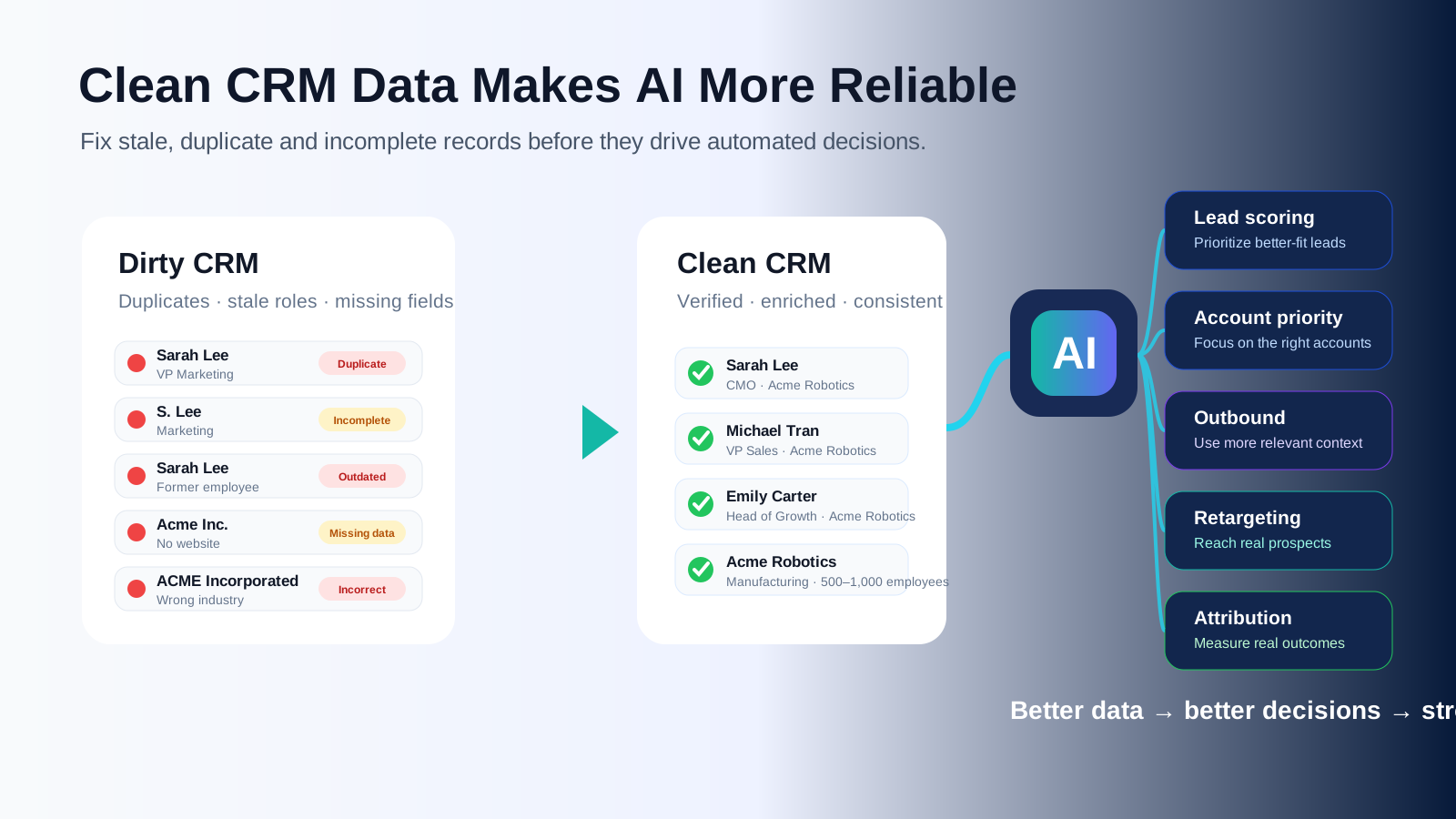
AI agents perform best when business logic is structured.
If onboarding lives across inboxes, DMs, and sticky notes, automation fails.
Clean workflow architecture improves both automation reliability and AI-assisted operations.
FAQ: Freelancer Client Onboarding Workflow Automation
1. What is client onboarding automation?
Client onboarding automation is a structured process that automatically guides new clients from payment confirmation to project kickoff using CRM updates, forms, reminders, and task creation.
2. How can freelancers automate client onboarding?
Freelancers can automate onboarding by:
-
Connecting payment confirmation to CRM updates
-
Sending structured welcome emails
-
Using asset collection forms
-
Triggering booking links
-
Creating project tasks automatically
-
Setting reminder sequences
3. What should happen after a client pays a deposit?
After deposit:
-
Send confirmation
-
Update CRM fields
-
Apply service and status tags
-
Collect required assets
-
Book kickoff call
-
Create project tasks
-
Review assets manually
4. What CRM fields should freelancers track?
Key fields include:
-
Deposit status
-
Service type
-
Kickoff status
-
Asset status
-
Assigned owner
-
Onboarding status
-
Next follow-up date
5. Can local businesses use this workflow?
Yes. Any service business that collects deposits can use this structure to automate intake, booking, reminders, and staff assignment.
6. Will automation feel impersonal?
Not if structured properly. Automation handles logistics, while human touchpoints handle strategy and relationship building.
7. What should still be handled manually?
Scope decisions, pricing adjustments, incomplete assets, and final readiness approval should remain human-controlled.
8. Why is this useful for recruiters evaluating automation talent?
Because it demonstrates operational thinking, CRM architecture skills, automation logic design, and structured process documentation.
Internal Linking Suggestions
To strengthen SEO and topical authority, link this page to:
-
CRM automation service page
-
Workflow automation portfolio page
-
Freelancer onboarding checklist
-
Client intake form template
-
Local business automation article
Final Step: How to Start
Start by mapping your deposit-to-kickoff process on one page.
List:
Once the logic is clear, connect the CRM, form, calendar, reminders, and dashboard one piece at a time.
Freelancer client onboarding workflow automation is not about tools. It is about clarity, structure, and controlled handoffs.