Quick Answer
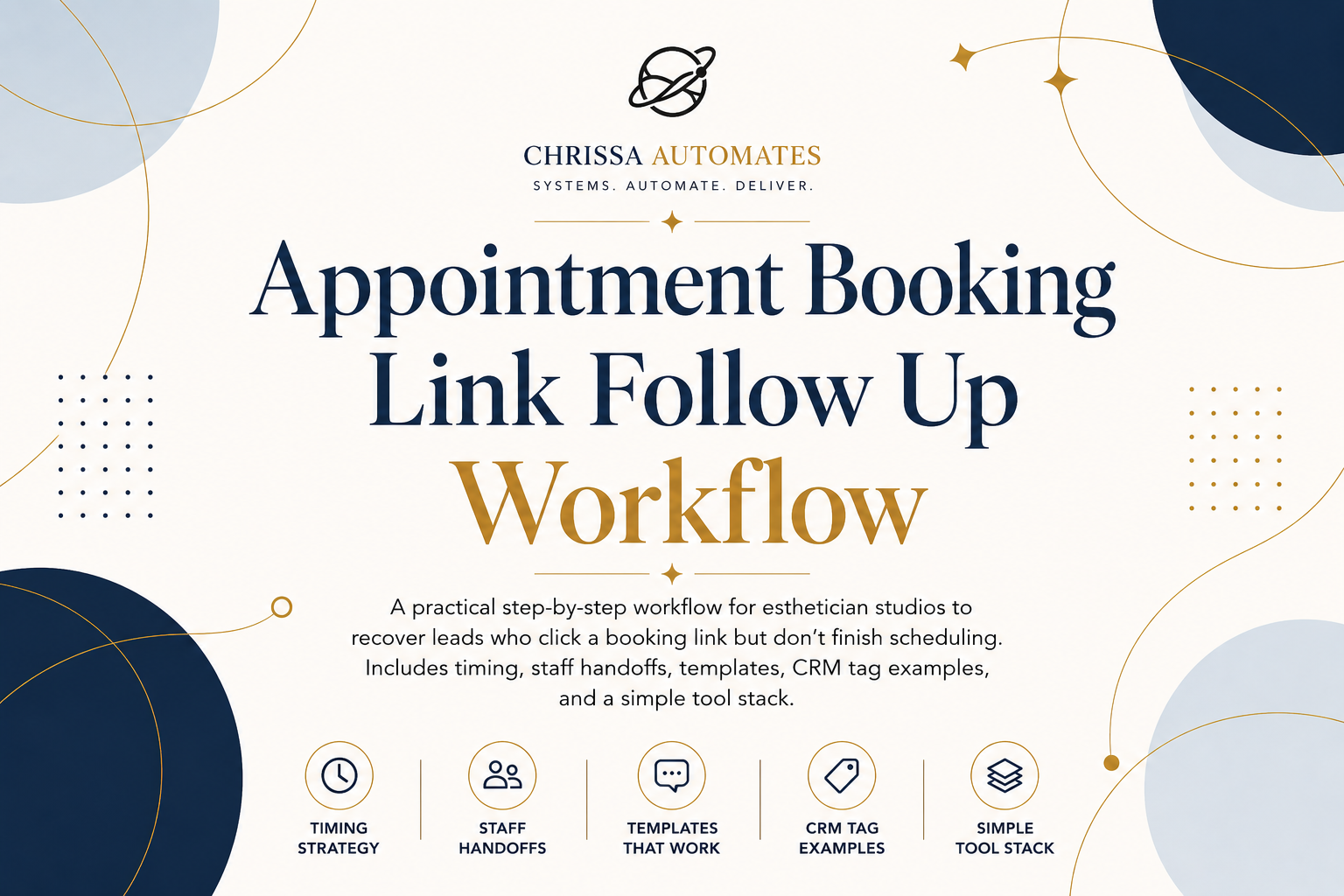
If a lead clicks your booking link but doesn't finish, send a brief, helpful message within 30 minutes clarifying session length, aftercare, or pain concerns; update the CRM and tag the service; then send a second reminder 24 hours later. If there's still no progress, alert the client coordinator to follow up by phone or personalized message.
Missed opportunity example
A prospective client clicks the booking link for a deep cleansing facial, pauses at the date/time step because she isn’t sure about session duration and post-treatment care, and closes the page. Without a follow-up, she later books a quick brow wax with a competitor because that felt simpler and safer. The studio lost a higher-value appointment because no one clarified the downtime and pain-management options while interest was fresh.
Who this is for
This is written for esthetician studios and the staff who handle daily bookings—especially client coordinators or front desk receptionists—who need a practical way to recover leads who click a booking link and abandon before choosing a date or time.
Where leads get lost and why
Leads generally drop off when the booking flow forces immediate decisions: unclear session length, aftercare questions for chemical peels, uncertainty about pain during waxing or extractions, or concern about product ingredients for acne/anti-aging treatments. If no one answers those questions quickly, the lead moves on or delays booking until it's inconvenient.
Before and after: one short real example
Before: Lead clicks for a 60-minute microdermabrasion but sees a vague description, gets anxious about downtime, and leaves. No follow-up, no booking.
After: Automated 30-minute message explains "most clients book a 60-minute microdermabrasion with hydration mask; minimal downtime; we avoid retinoids 48 hours beforehand" and includes the booking CTA. Lead finishes booking same day or schedules a short consult. Staff notes record the concern.
The form-to-booking or inquiry-to-next-step workflow
Step 1: Confirm the inquiry (within 30 minutes)
What the system should do: detect that someone started the booking flow and abandoned it, then send a short, human-sounding confirmation message. Why it matters: contact while the lead is still comparing options gives you the chance to answer the single question stopping them.
Step 2: Create or update the CRM/contact record
What the system should do: add or update the contact with the timestamp, service selected, and any partial answers saved by the booking widget. Why it matters: staff needs context so a follow-up call doesn't start from scratch.
Step 3: Tag the interest or request type
What the system should do: apply a service tag (microdermabrasion, chemical-peel, waxing, brow-tint-shape, lash-lift, acne-consult, anti-aging-consult) and a reason tag when possible (e.g., 'concern-sensitivity', 'wants-duration'). Why it matters: tagging makes the follow-up message relevant and short—clients respond better when the reply addresses a specific worry.
Step 4: Send the booking link, next-step link, or clear CTA
Message structure: one sentence acknowledging the click, one sentence answering the most likely objection, and one clear "Finish Booking" link. Keep it short—give the lead one action to take.
Step 5: Alert staff if no next step happens
Rule of thumb: if there is no booking or reply within 4 hours, create a task for the client coordinator to call or send a personalized SMS. Why it matters: some questions need a real person to reassure the client about sensitivity, pain control during waxing, or ingredient concerns for acne-prone skin.
Step 6: Send 24-hour no-booking follow-up
Send a friendly follow-up the next day that repeats the helpful detail (session length, typical aftercare, how pain is handled) and repeats the single booking CTA. Keep it empathetic—don't push the booking. If the lead still doesn't respond, staff decides whether to add them to a longer nurture sequence.
Why building this manually is harder than it looks
Many studios try to fix this with one-off staff messages or a generic automated reminder. The gap that breaks the process is the missing link between the booking-page drop-off and a documented staff action. That requires the booking widget, CRM, messaging tool, and staff task system to share a single truth about the lead. If you understand the workflow but need help wiring those pieces—building the CRM fields, triggers, tags, reminders, and handoffs—you might use an implementation tool or platform to put it together. A tool like SmartSuite can be a helpful learning and execution resource for building those rules and dashboards, though it's one option among many.
What can be automated
-
Detecting booking-page abandonment and storing a timestamp.
-
Creating or updating the contact record with partial booking data.
-
Applying service and reason tags based on the booking page selection.
-
Sending the 30-minute friendly message and scheduling the 24-hour follow-up.
-
Auto-creating a staff task when no booking occurs within your escalation window.
What your team should still handle
-
Answering detailed skin-sensitivity or ingredient questions that could affect treatment selection.
-
Offering a short consult call for complicated cases (e.g., chemical peel for acne scarring) before confirming a time.
-
Manually scheduling multi-service appointments or when a client needs a specific technician.
-
Confirming insurance or medical-related intake items that require staff review.
Examples you can copy
Example: 30-minute automated SMS (short)
"Hi Sarah — I noticed you started booking a chemical peel. Most clients expect 30–45 minutes and 48–72 hours of mild redness; we’ll recommend the peel strength by skin type. Want me to finish booking a consult or send the booking link? [one-click link]"
Example: 24-hour follow-up email (short)
"Hi Alex — Just checking in about the microdermabrasion you viewed. Typical booking is 60 minutes with a hydration mask; many clients return every 4–6 weeks for maintenance. Book a time here: [one-click link] or reply and we can suggest the right length for your skin."
CRM tagging checklist
-
Tag with the service name: microdermabrasion / chemical-peel / waxing / brow-shape-tint / lash-lift / acne-consult / anti-aging-consult.
-
Tag with a reason if available: concern-sensitivity, wants-duration, ingredient-question, pain-anxiety.
-
Add a drop-off timestamp field: dropoff_datetime.
-
Add next-action field: auto_message_sent / staff_followup_needed.
-
Record last-contact-channel: sms / email / phone.
The setup behind this workflow
Recommended tool set: booking widget that can expose partial selections, a CRM that accepts webhooks or has a forms API, a messaging service (SMS + email), and a lightweight task system or calendar for staff follow-ups. These pieces need to share the same contact ID so tasks and messages refer to the same lead.
Example stack: booking widget + CRM + SMS provider + staff task queue. If you need help wiring those triggers, dashboards, and automation rules, consider a platform that supports custom fields and simple automations to avoid manual copy-paste between systems. Again, SmartSuite is one option for building those fields and dashboards while you test the workflow.
Staff handoff example
When the automation flags a lead after 4 hours with 'staff_followup_needed':
-
Client coordinator opens CRM record.
-
Reads the tag and drop-off note (e.g., "concern-sensitivity; started chemical peel booking").
-
Calls or sends: "Hi, this is Maya from Radiant Studio — I saw you had a question about the chemical peel. I can book a 15-minute consult to cover sensitivity and aftercare. Does later today or tomorrow morning work?"
-
Staff updates the CRM with the result and either books the appointment or schedules the consult.
What not to automate
Don't auto-answer complex treatments or create final bookings when medical or sensitivity questions are present. Don't remove a lead from outreach just because they didn't click a link once; build a short follow-up sequence and let staff decide on escalation.
After the consultation or next step is booked
Once the appointment is confirmed, switch the CRM next-action to 'appointment-confirmed' and send a single appointment reminder per your normal timing. Keep crew notes on the reason for the original drop-off so the service is delivered with awareness of prior concerns (e.g., extra time for discussing ingredient lists).
FAQ
Q: How soon should the first follow-up go out?
A: A good rule of thumb is within 30 minutes of the booking-page drop-off so the lead still remembers why they were booking. This is operational advice, not a guarantee.
Q: What if a lead replies with a medical question?
A: Route those replies to qualified staff for review and avoid automated medical advice. Use a staff note and schedule a consult when needed.
Q: Should we offer discounts in follow-ups?
A: Avoid leading with discounts. Address the specific objection first (duration, downtime, pain control). If price is the barrier, staff can offer options during a call or a limited-time offer as a second step.
If you want to build this workflow yourself
If wiring triggers, tags, dashboards, and staff tasks feels technical, a platform that helps you build those fields and automations can save time. For studios that prefer a visual builder and pre-made dashboard templates, tools like SmartSuite can be used to create the CRM fields, booking triggers, and task lists described above. Use it as an implementation aid, not the only solution—this article explains what to build and why.
Next action
Set up the 30-minute automated message and the 4-hour staff alert today. Start by adding a "dropoff_datetime" field to your CRM and a tag for service type, then test the message flow with one service (for example, deep cleansing facial) before scaling to all services.